
Subscription tracker ยท iOS

Every subscription. One clear number.

One calm place for every recurring bill โ€” with the exact figure you spend per day, month and year, and a gentle nudge before the next charge lands.

Per month 547 AED
๐Ÿ””
TomorrowYouTube renewal
Per year 6 558 AED
12subscriptions the average person carries
3ways to see it โ€” day, month, year
0surprise renewals with reminders on
100%private, in your own iCloud

The average person pays for twelve subscriptions and remembers maybe four. Subscrr turns that quiet leak into one honest number you can actually act on.

01 โ€” Overview

See how much you
really spend.

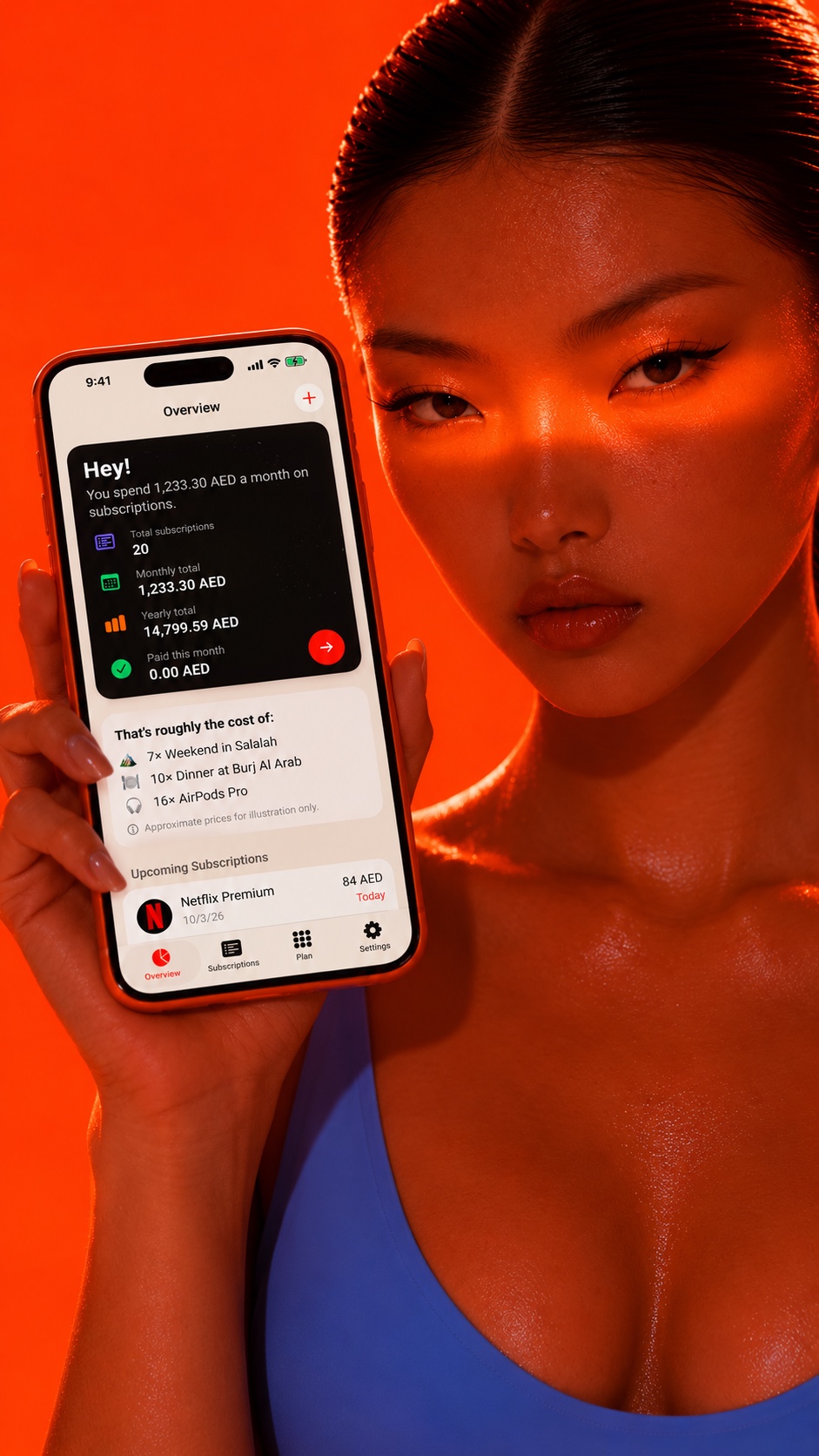
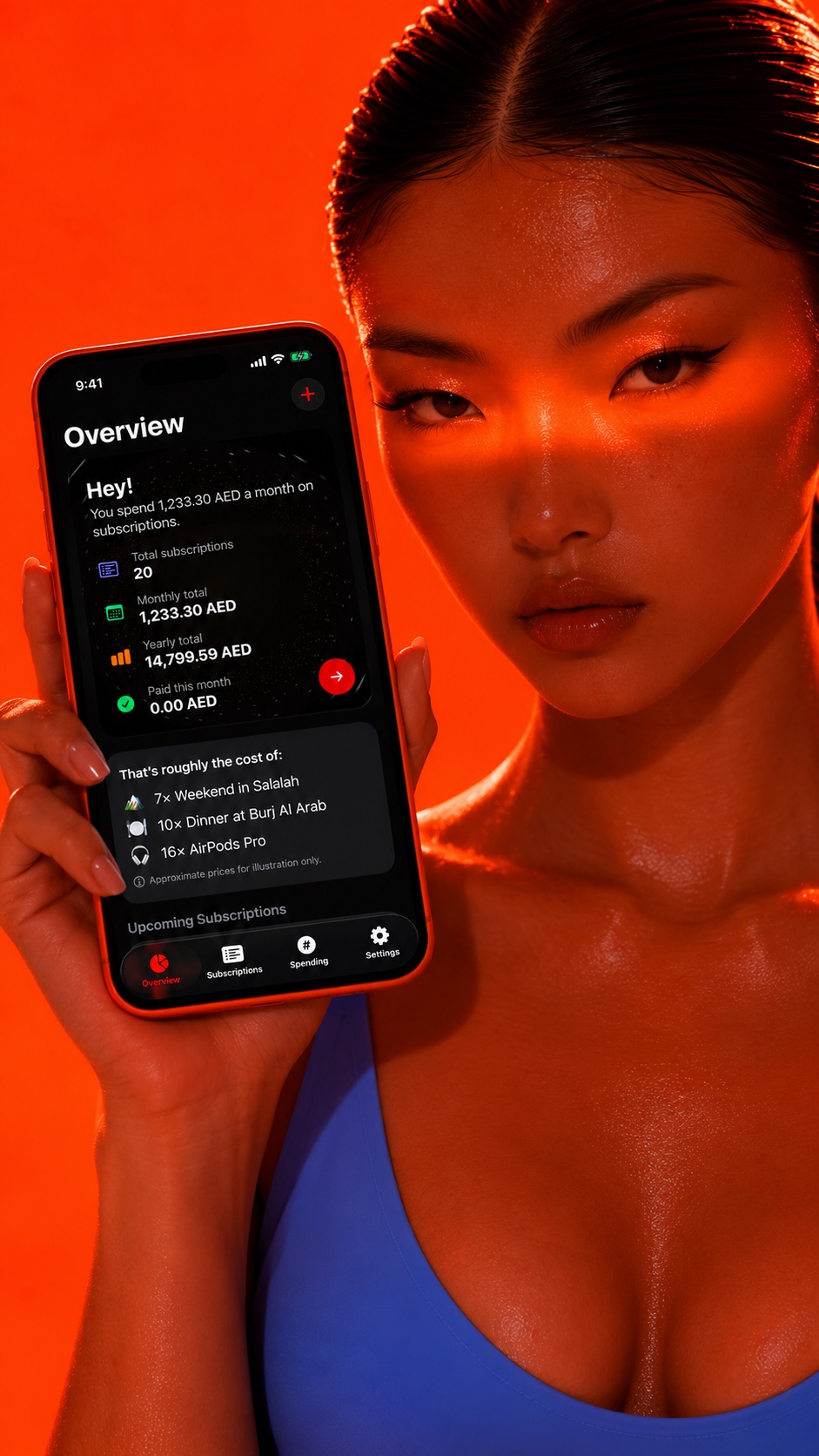
Subscrr Overview on iPhone resting on orange fabric

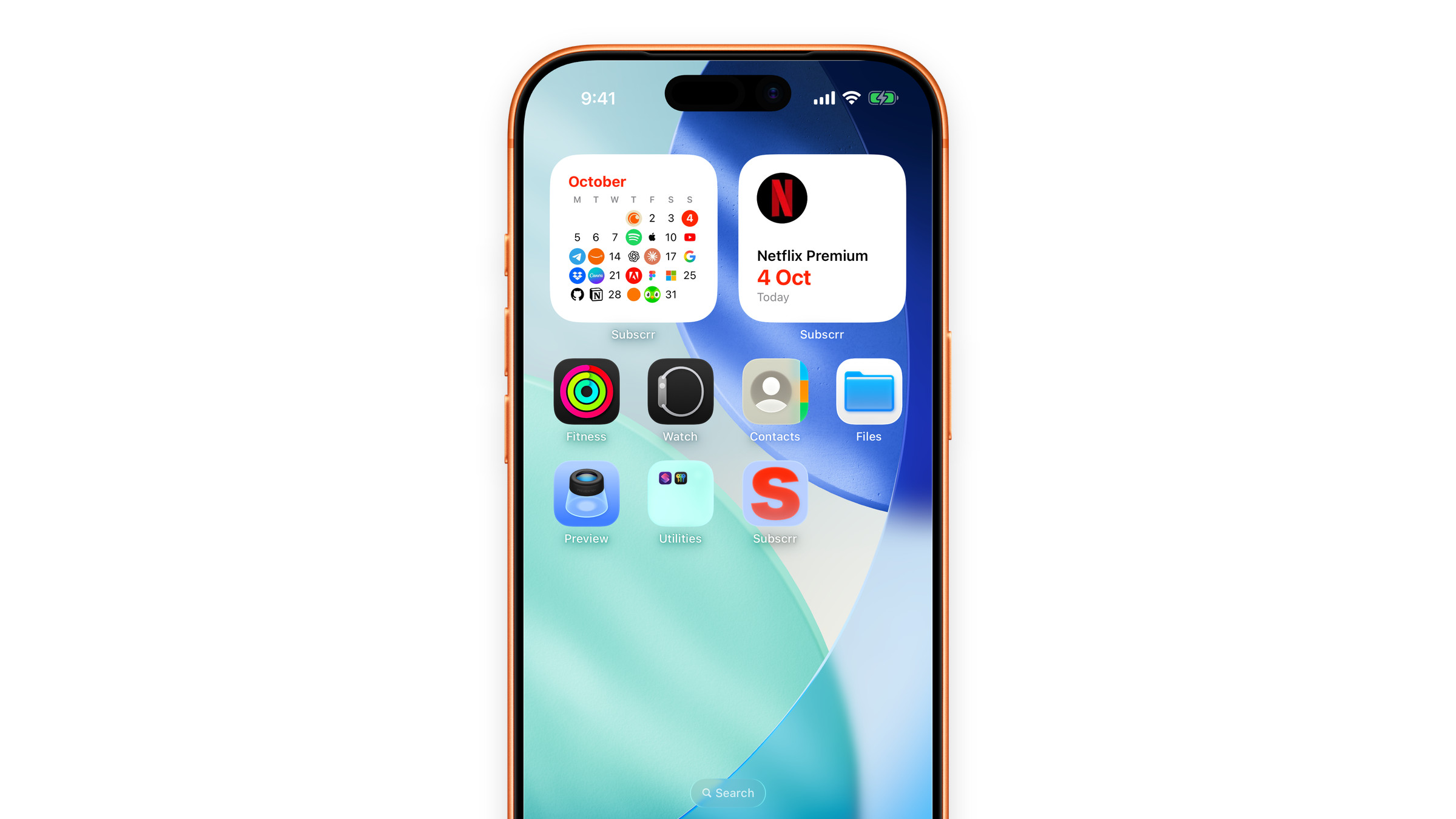
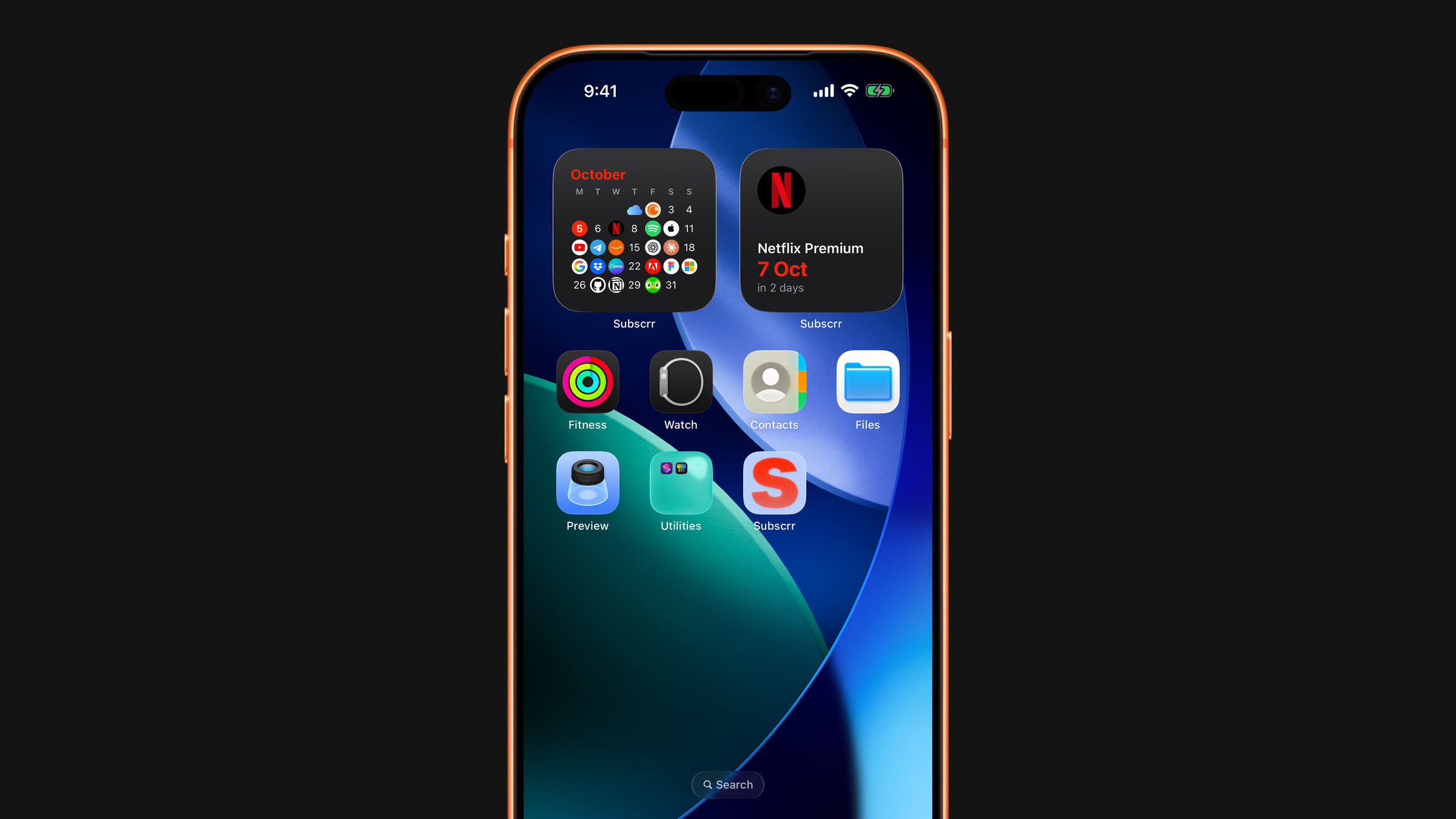
Open the app and your total is already there: how many subscriptions you carry and what they cost every month and every year. Upcoming charges sit right below, sorted by how soon they hit.

  • Live monthly & yearly totals
  • Upcoming charges with a day countdown
  • Multi-currency, converted automatically
02 โ€” Breakdown

Per year.
Per month.
Per day.

Every subscription broken down to the figure that actually lands. That "cheap" annual plan? See what it truly costs you each day โ€” and decide with your eyes open.

A hand holding an iPhone showing the My Subscriptions list
03 โ€” Reminders

Never get
surprise-charged again.

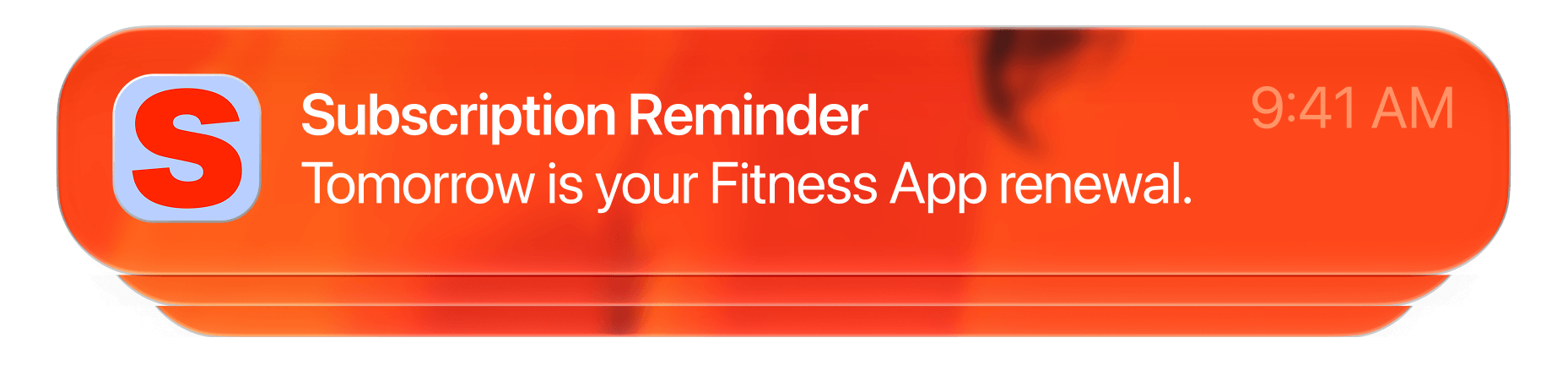
Subscrr taps you on the shoulder the day before money leaves your account, so a renewal is always a choice โ€” never an ambush.

iOS notification: Subscription Reminder โ€” Tomorrow is your YouTube renewal
04 โ€” Premium ยท AI Spend

Snap a receipt.
Let AI do the math.

Point Subscrr at a receipt or a bank screenshot. On-device-grade AI reads the total and every line item in a tap โ€” and your images are never stored, only understood.

93.80total, read from one image
0images kept โ€” only hashes
AI Spend screen showing 93.80 AED total detected from a receipt
05 โ€” Make it yours

Calm by default.
Yours on purpose.

Icon and colour customization
Hundreds of icons & colours
Personal calculation screen
Personal calculation
My subscriptions list
Every subscription, one list
06 โ€” Privacy

Your money data never becomes our business. No ads, no trackers, nothing to sell โ€” just your own private iCloud.

Sign in with Apple iCloud private sync No analytics SDKs No data sold
Read the full privacy policy โ†’
07 โ€” Pricing

Free to start.
Premium when you grow.

Free

$0

Everything you need to get clear.

  • Up to 4 subscriptions
  • Per day / month / year breakdowns
  • Renewal reminders
  • Custom icons & colours
  • iCloud sync & privacy
Start free
Most popular

Premium

$7.99 /mo

Billed monthly. Cancel anytime.

  • Unlimited subscriptions
  • AI Spend โ€” scan receipts & statements
  • Personal calculation categories
  • Everything in Free
  • Support an indie, ad-free app
Go Premium
08 โ€” FAQ

Good questions.

Do I have to connect my bank?

Never. Subscrr doesn't touch your bank โ€” you add subscriptions yourself, which is exactly why nothing about your finances leaves your control.

Where is my data stored?

In your own private iCloud database via CloudKit, tied to your Apple ID and synced across devices. We can't see it, and we don't want to.

What do I get for free?

Up to four subscriptions with full breakdowns, reminders, customization and iCloud sync. Premium unlocks unlimited subscriptions and the AI Spend scanner.

How does AI Spend handle my receipts?

Images are analysed to extract totals and line items, then discarded โ€” we store only hashes, never the pictures themselves.

Can I cancel Premium anytime?

Yes. Premium is a standard App Store subscription โ€” manage or cancel it any time, and your free plan keeps working.

Stop guessing
what you pay for.

Download on the App Store iPhone ยท iOS 17+ ยท Free to start