Apple Watch

The next charge,
on your wrist.

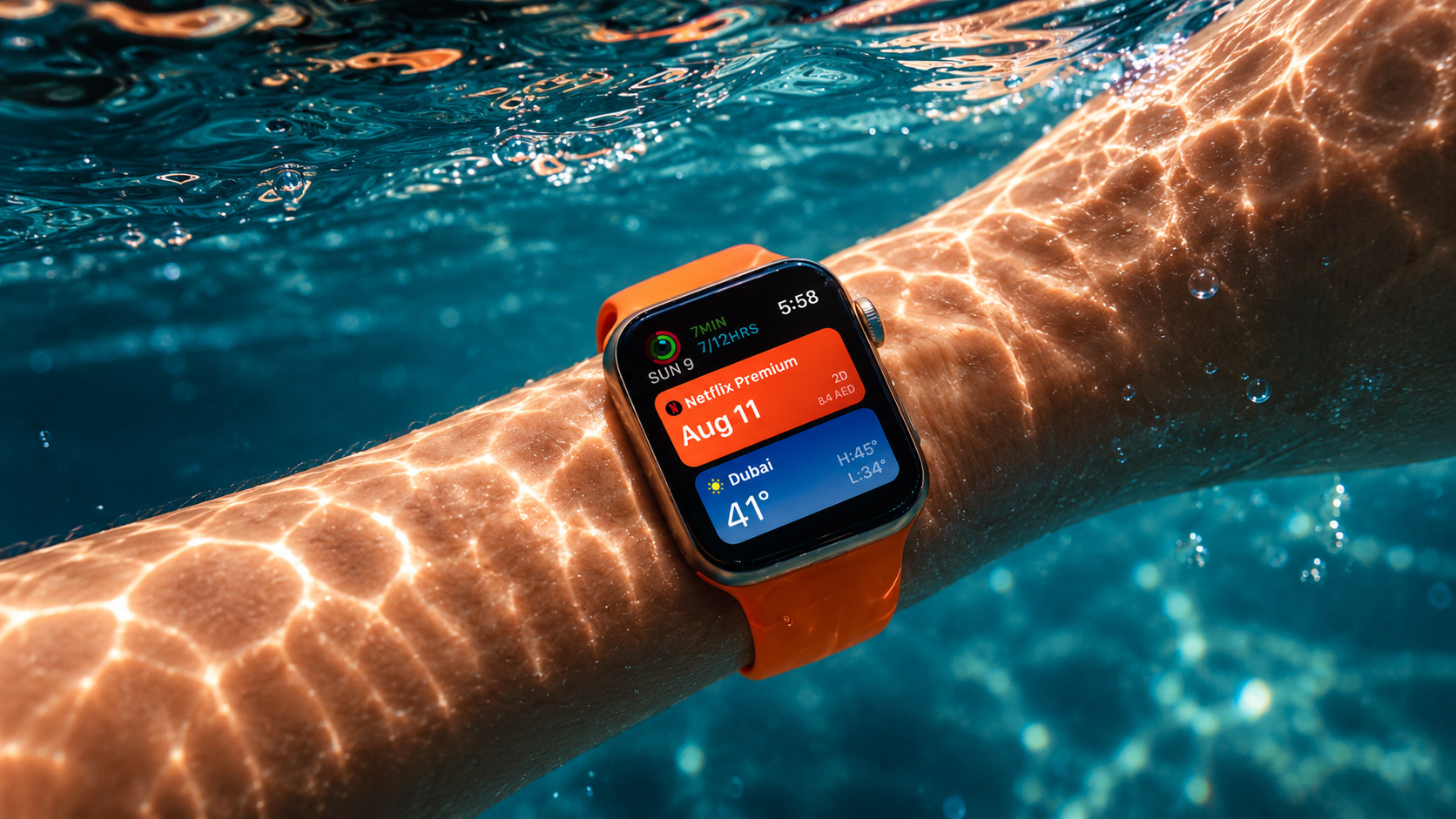
A complication on the watch face shows what is due next and what it costs. Pick its colour right on the watch. The daily affirmation lives there too.

A glance

A glance at
what is coming.

It is deliberately small in scope: a glance at what is coming and what things cost, rather than the whole app on a small screen. Adding subscriptions and scanning receipts stay on the iPhone.

On the watch face

A complication shows what is due next and what it costs. Pick its colour right on the watch.

Install it

The watch app installs with the iPhone app. If it is not on the watch, open the Watch app on iPhone, scroll to Subscrr and install it there.

Five sections

Five sections,
one level deep.

The app opens on a list of five sections, each with its own coloured icon. Nothing is buried more than one level down.

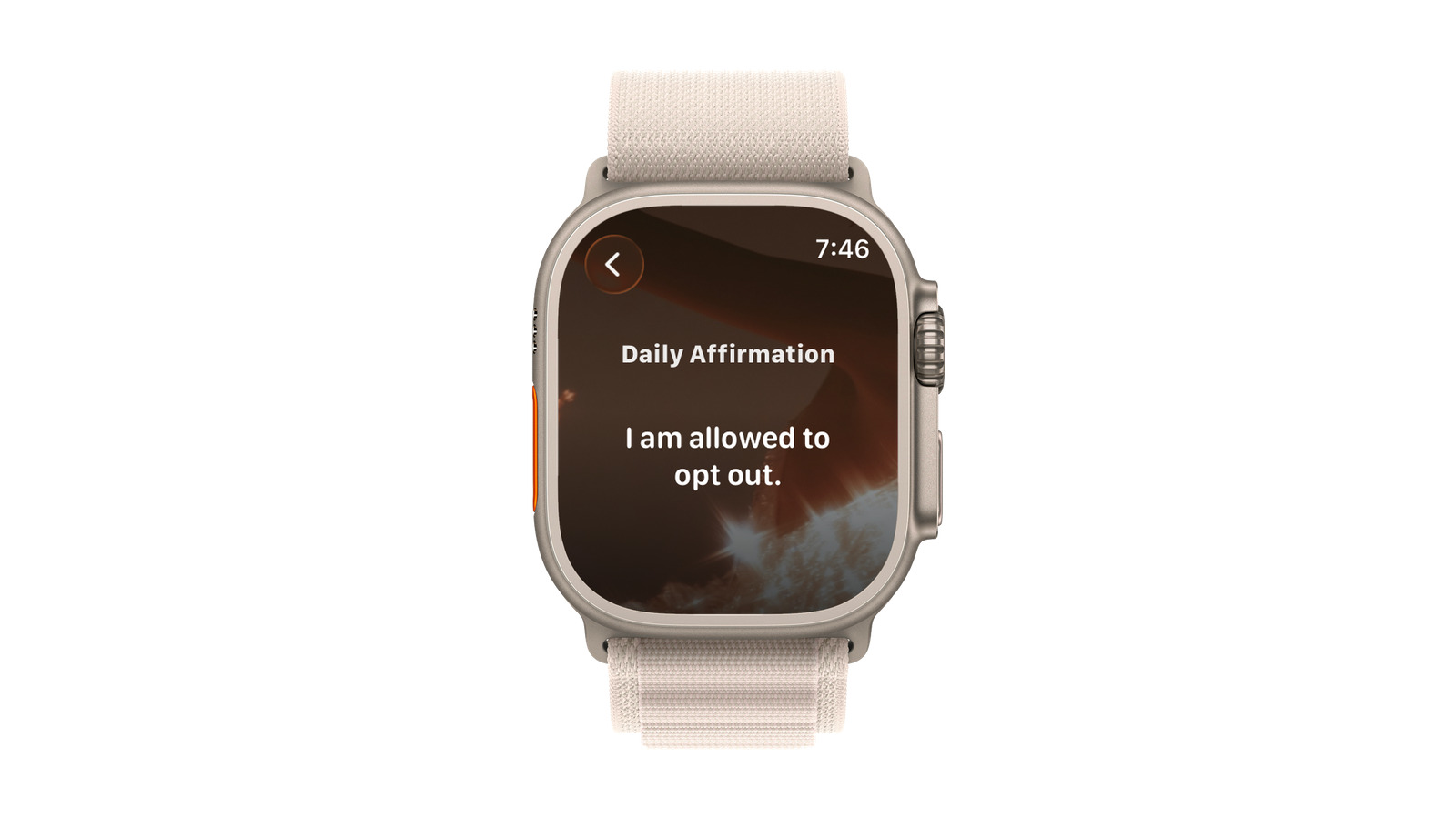
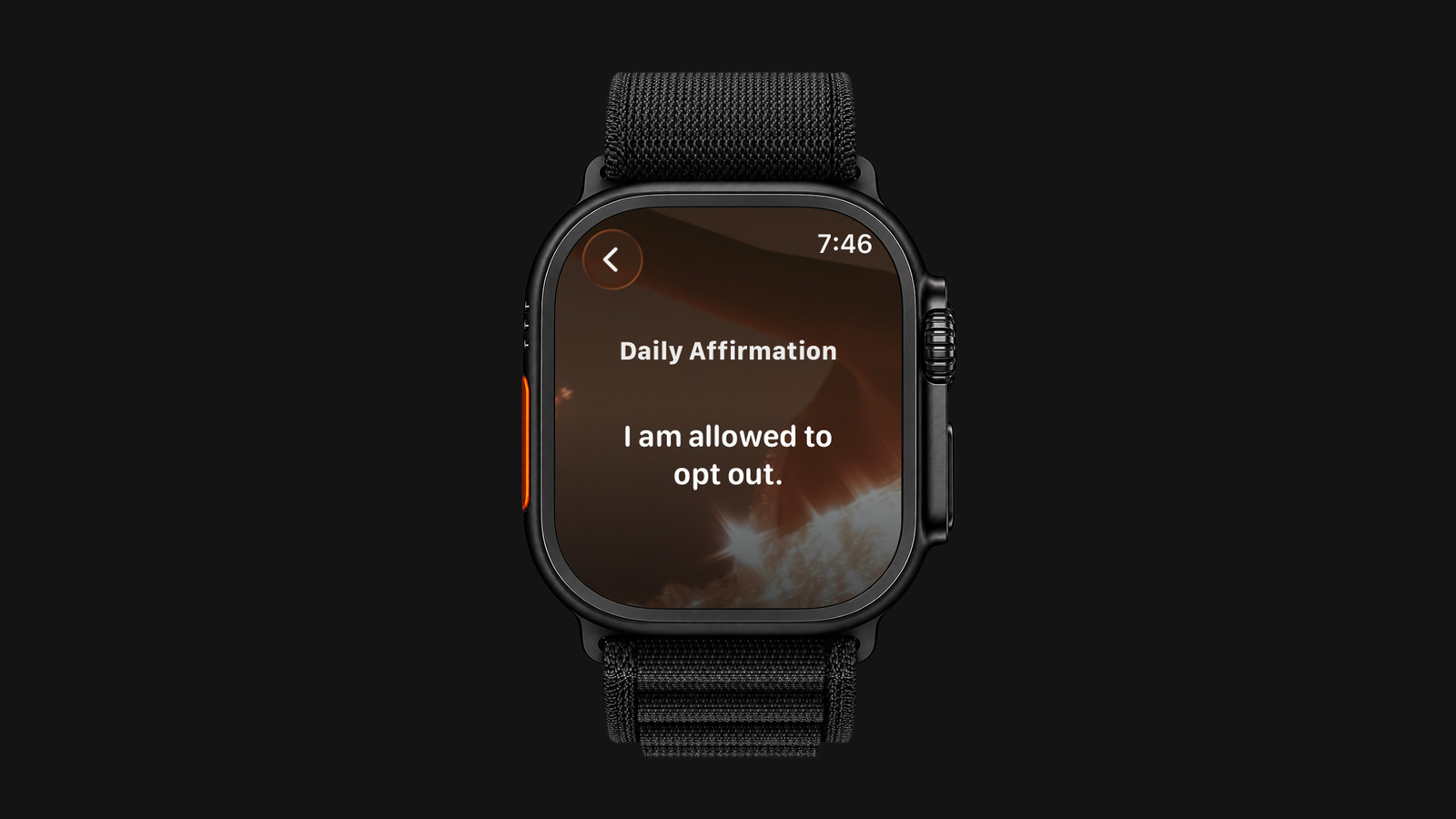
Affirmation

The day’s thought over its poster, hidden until you tap it.

Subscriptions

What is coming up, each card in the colour of the service. Tap one for the countdown ring and the amount.

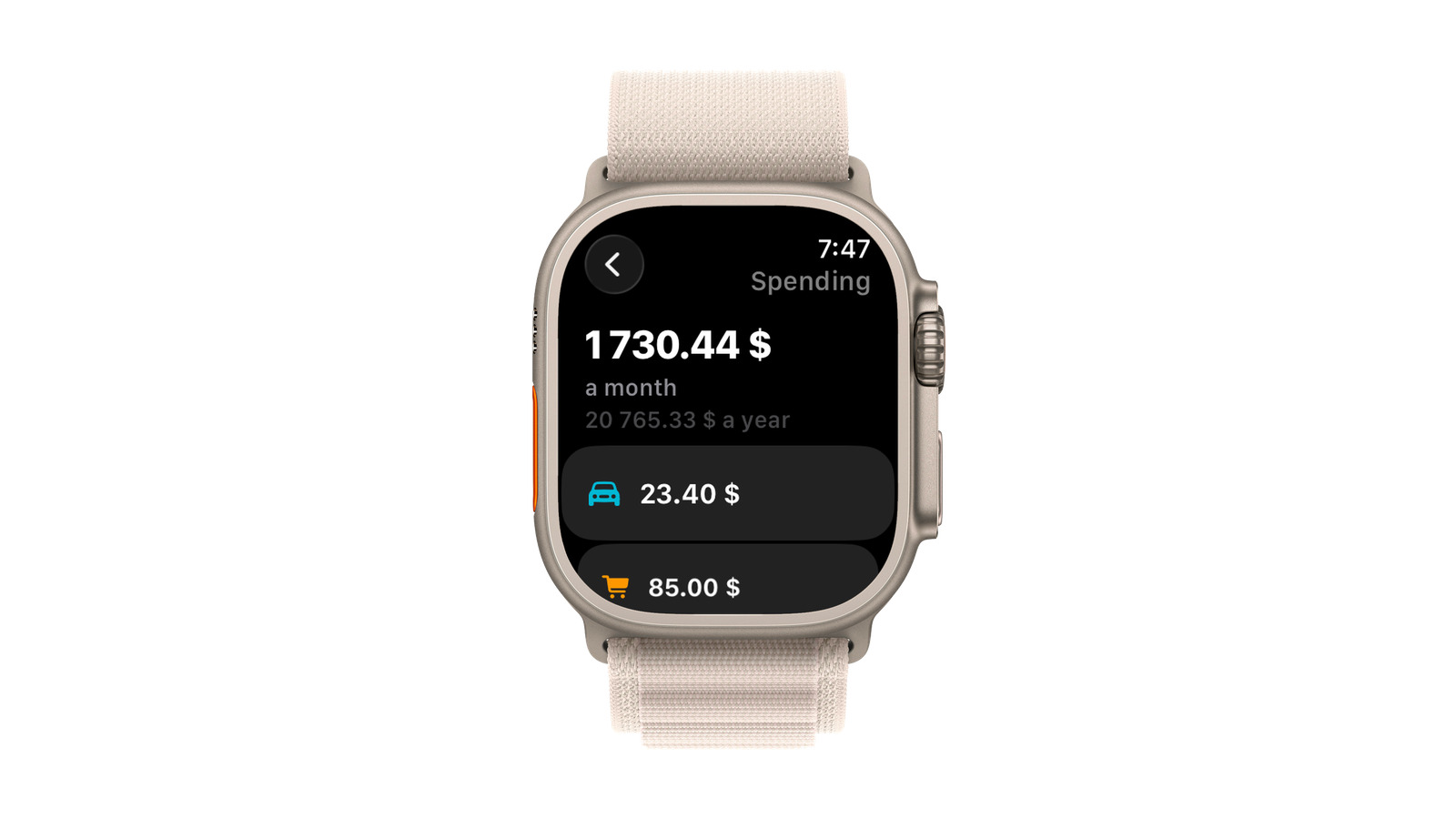
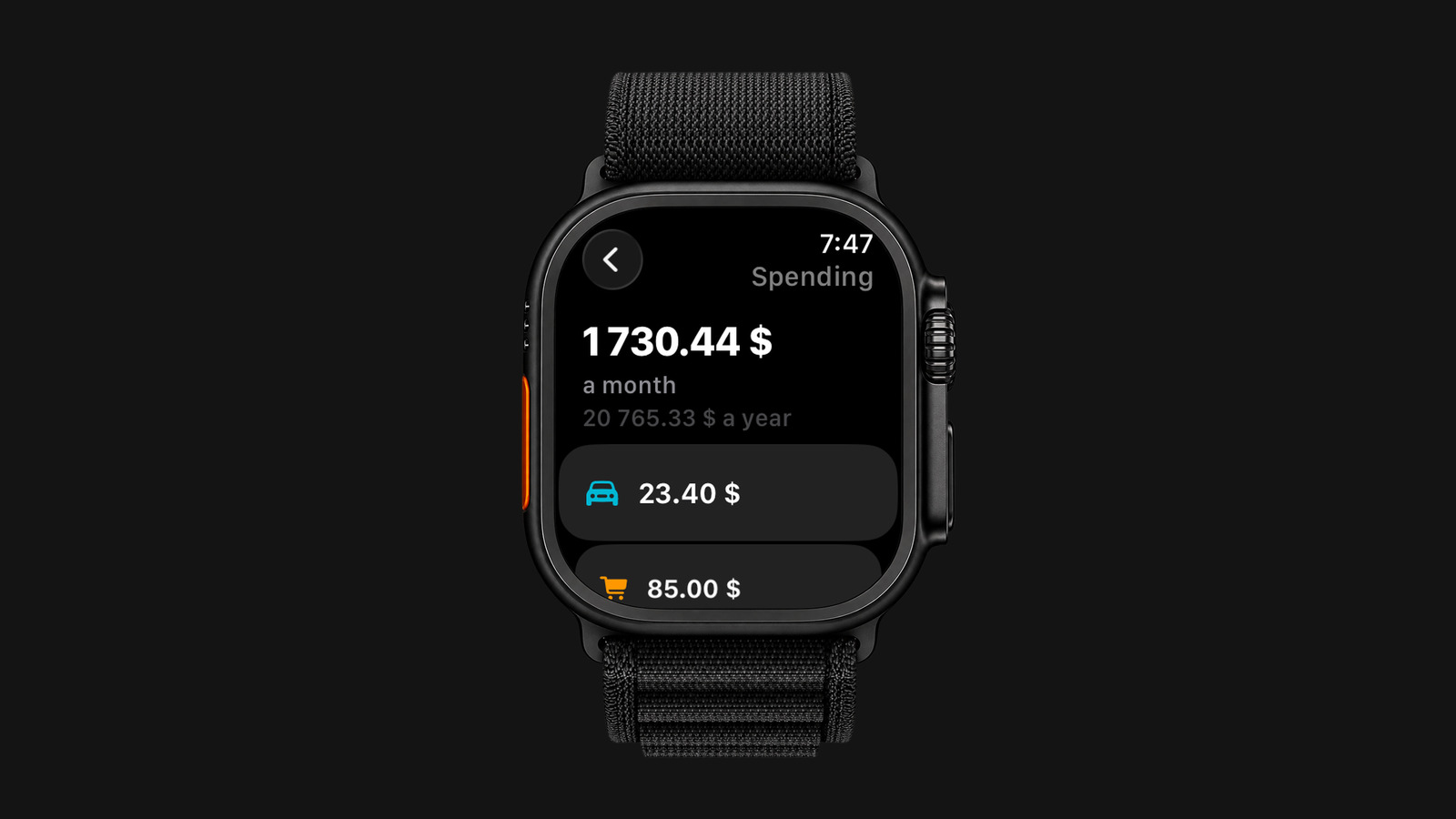
Spending

What you spend a month and a year, then your categories as coloured icons with their amounts.

Plan

Your financial plan as a table.

Settings

The colour your complications use, and the text size for the whole watch app.

Free on the App Store.

Get the app
Tick, tick, charged

Subscriptions

What is coming up, each card in the colour of the service. Tap one for the countdown ring and the amount. The same screen has a Delete button, with a confirmation, for removing a subscription right from the watch.

Read more
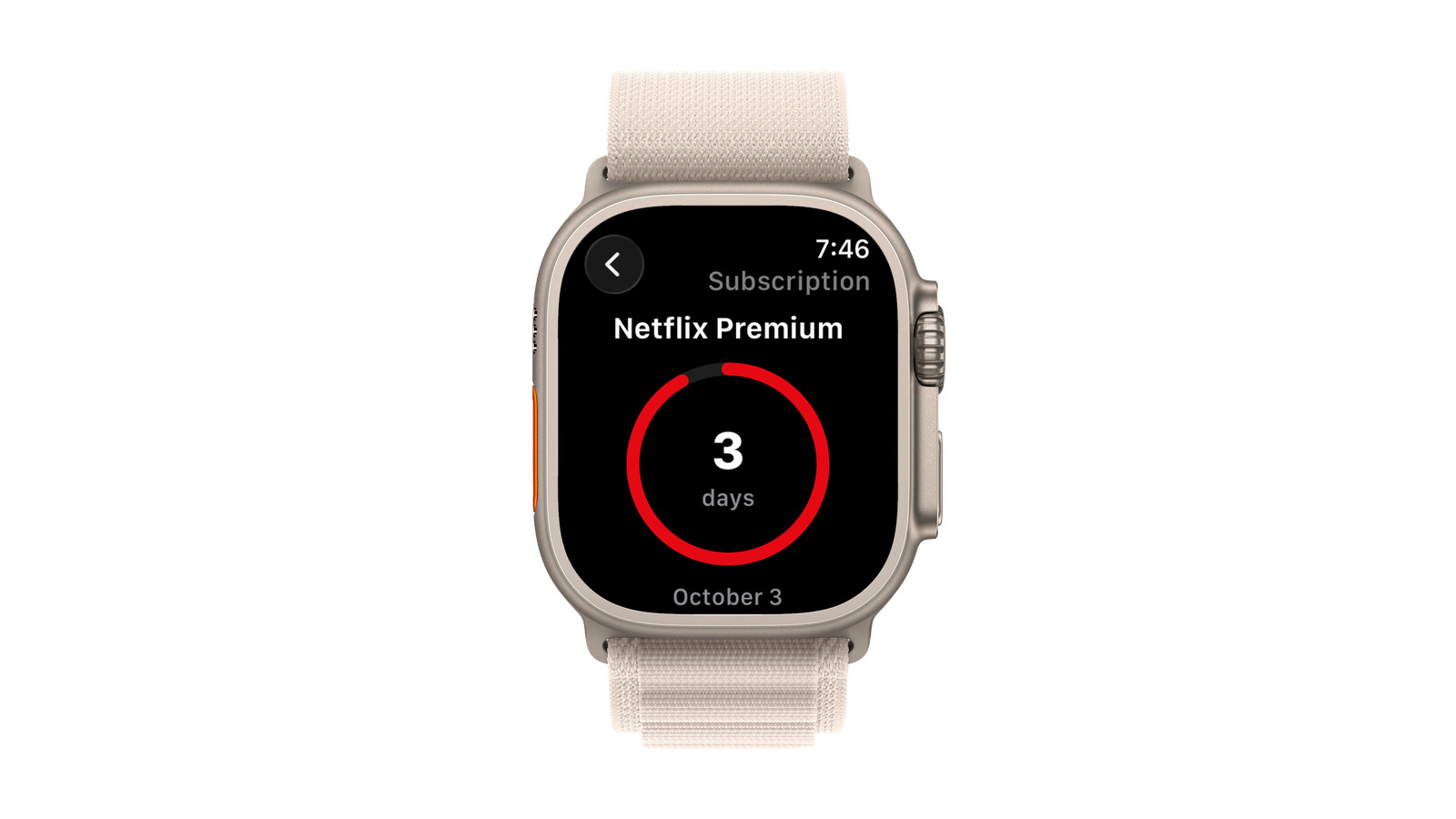
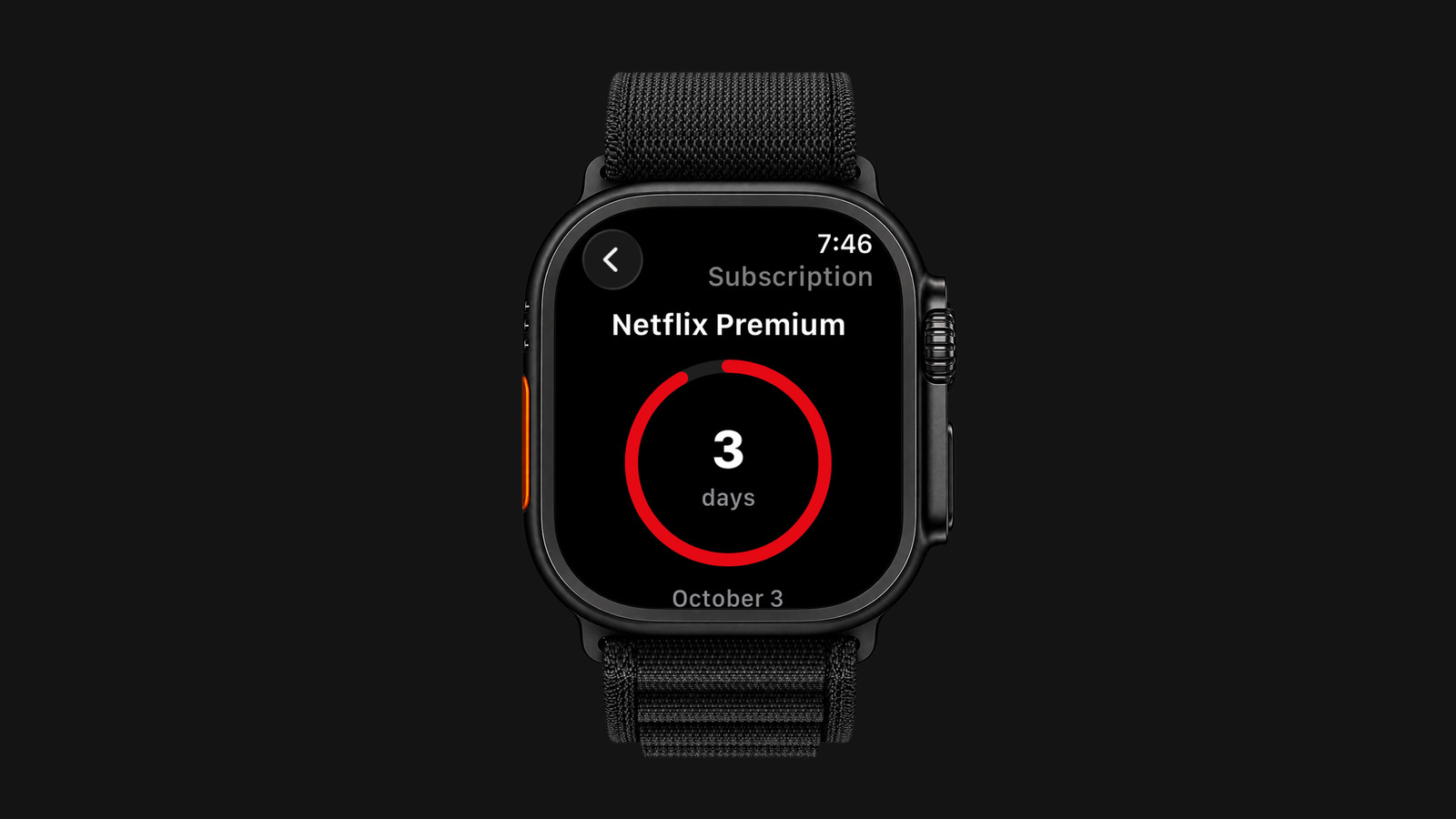
A subscription on Apple Watch: Netflix Premium with the countdown ring of three days.A subscription on Apple Watch: Netflix Premium with the countdown ring of three days.
Permission granted

Affirmation

The day’s thought over its poster, hidden until you tap it. Open it when you want a calm word about money: it is new every day. The same thought also lives on the watch face as the Daily affirmation complication, so it is one glance away.

Read more
The daily affirmation on Apple Watch: Subscrr shows the day’s thought over its poster.The daily affirmation on Apple Watch: Subscrr shows the day’s thought over its poster.
Damage at a glance

Spending

What you spend a month and a year, then your categories as coloured icons with their amounts. Tracked expenses live on the iPhone, and the watch shows the result, so there is nothing to type on a small screen.

Read more
Spending on Apple Watch: the monthly and yearly total and the category tiles.Spending on Apple Watch: the monthly and yearly total and the category tiles.
Big plans, small screen

Plan

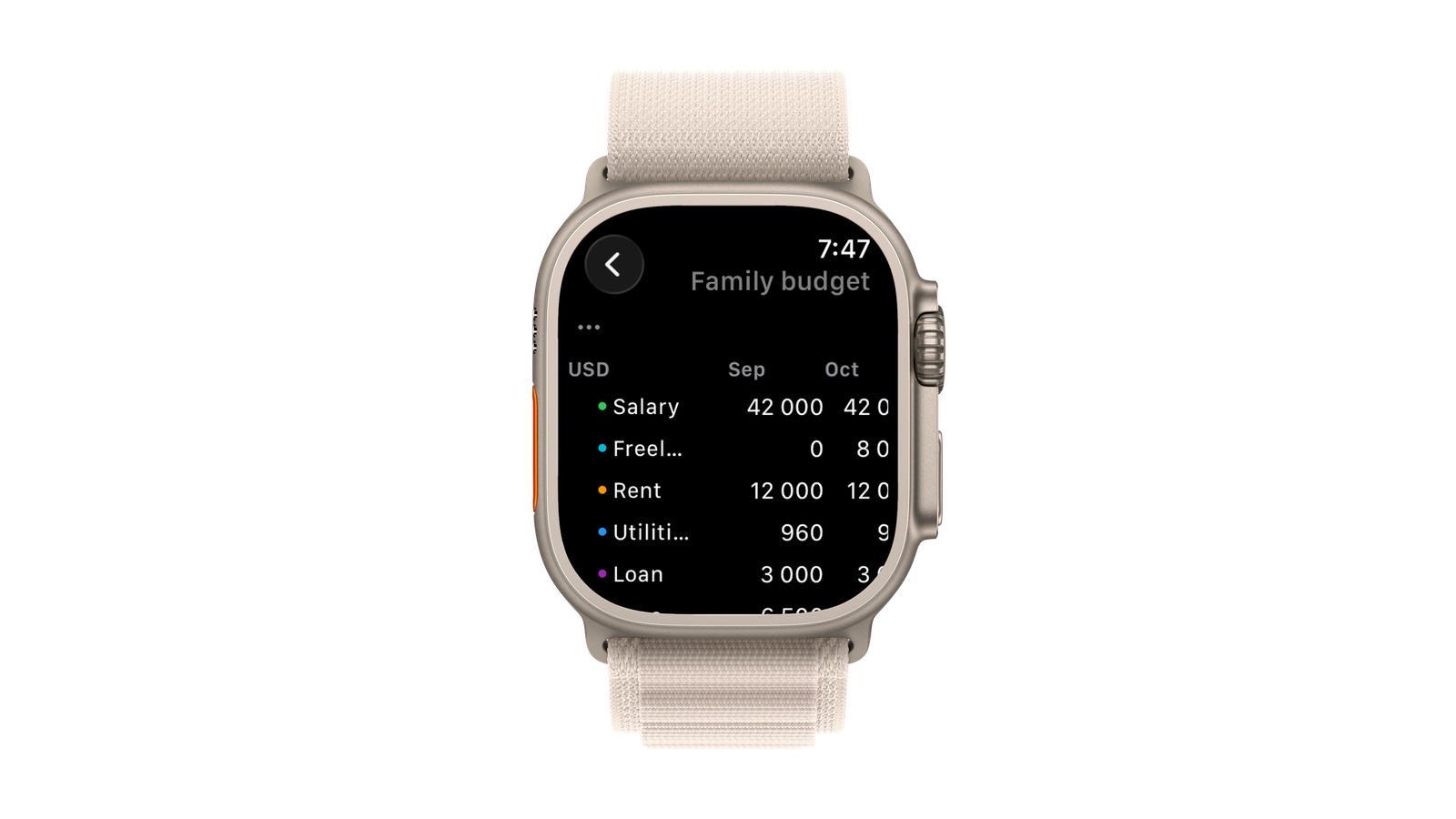
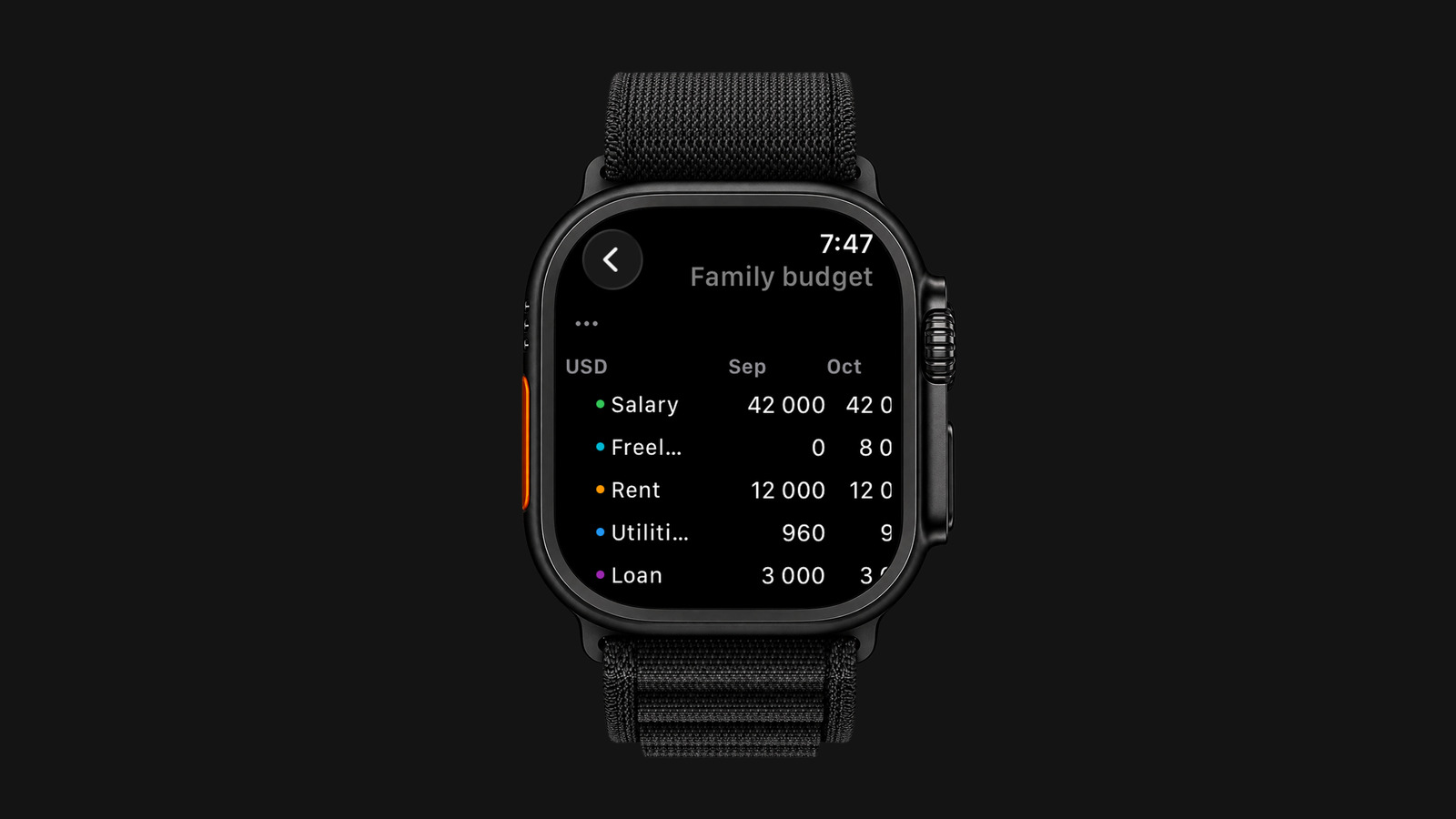
Your financial plan as a table, the same one you have on the phone: lines down the side, months scrolling sideways, each line with its own coloured dot. Tap a cell to correct a figure, then Save, or Reset to go back to what the line’s rule calculates. Building the plan and scenarios stay on the iPhone.

Read more
The financial plan table on Apple Watch: salary, freelance, rent, utilities and loan by month.The financial plan table on Apple Watch: salary, freelance, rent, utilities and loan by month.
Plan on the wrist

Your plan,
on the wrist.

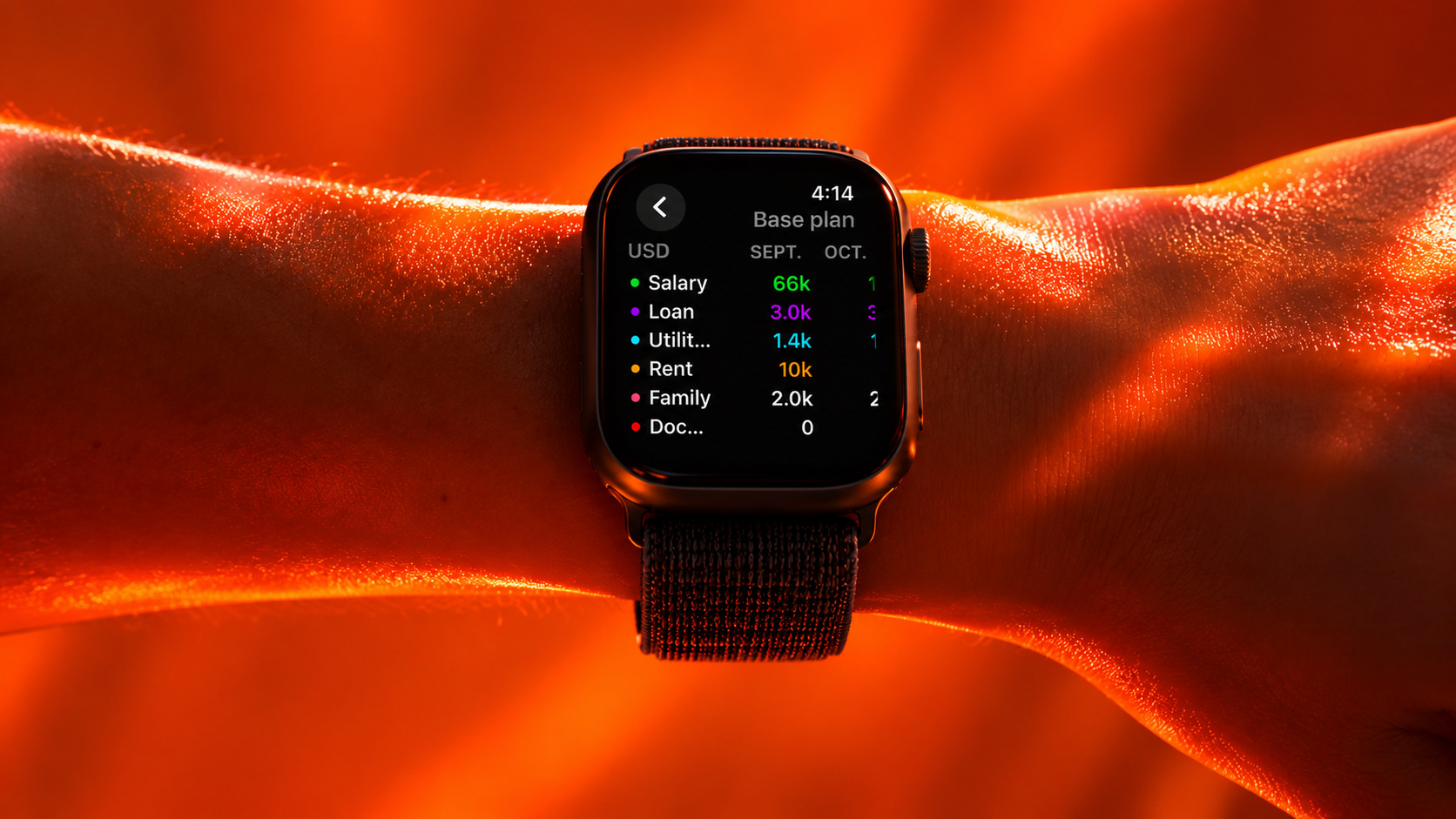
Once a plan exists, it is the same table you have on the phone: lines down the side, months scrolling sideways, each line with its own coloured dot. Tap a cell to correct it: the watch sends the change to the iPhone.

The plan table on Apple Watch: salary, loan, utilities, rent and family by month.
Private by design

Private by Design.

iCloud private sync

No ads in the app

No data sold

Anonymous stats only

Free to start.
Premium when you grow.