
Import what
Apple already
charges you for.
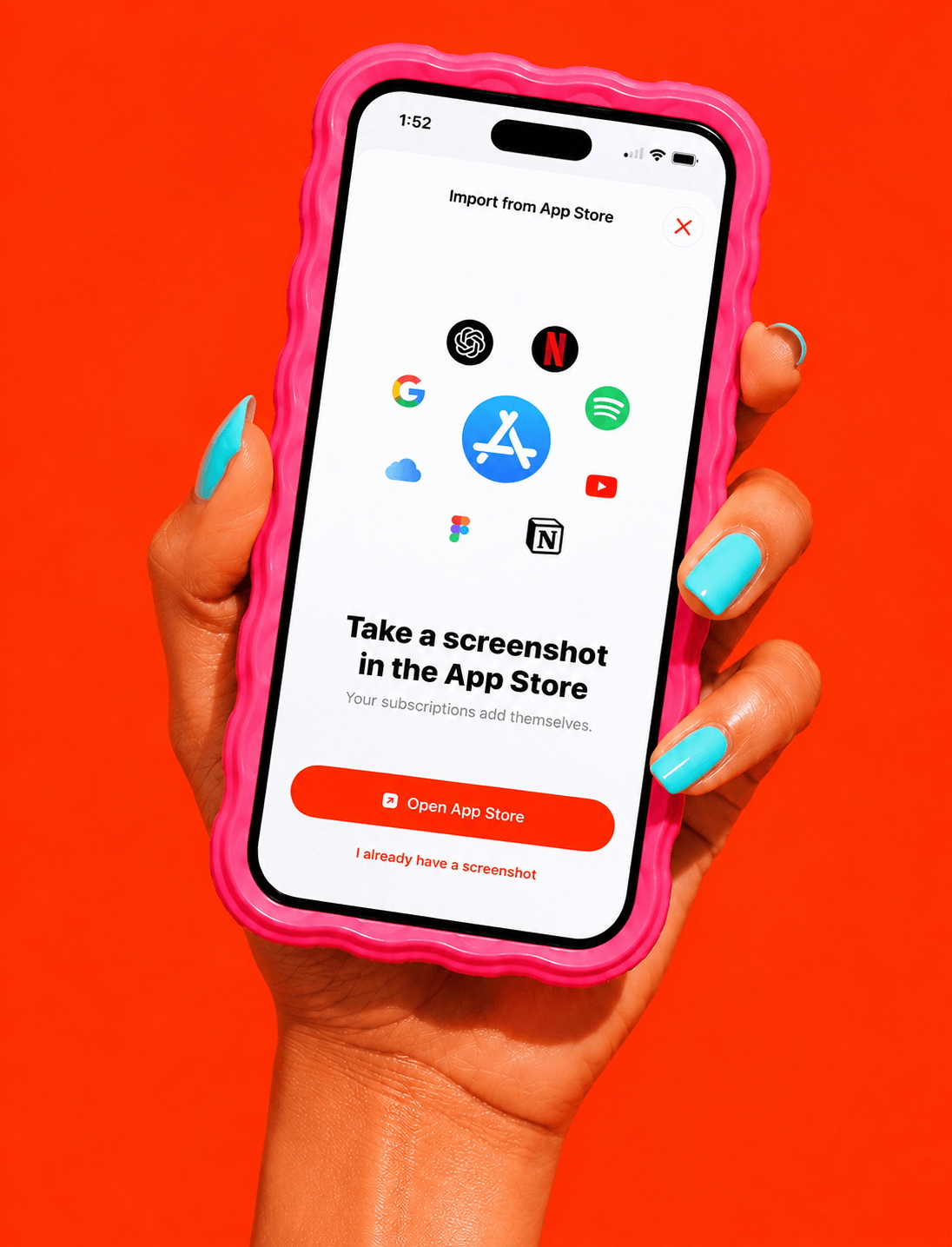
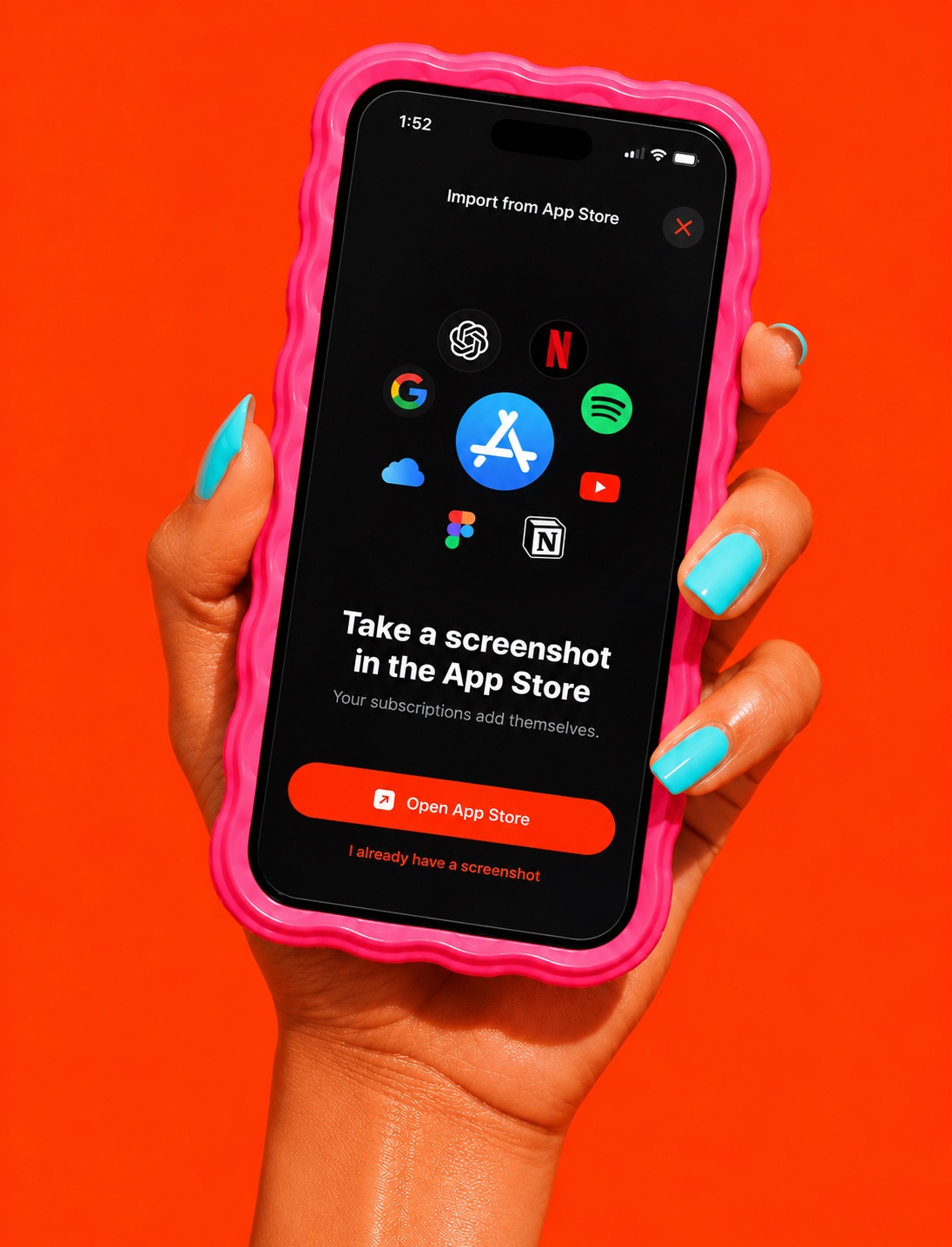
Everything on your Apple ID sits on one screen. Screenshot it, drop it in, and we read the names, prices and dates for you.

Open. Screenshot.
Drop it in.
1
Open Subscriptions
2
Take a screenshot
3
Drop it in here
Free on the App Store.
Get the app
Why not type it
You will forget two,
You will forget two,
and they are
the expensive ones.
Most people already pay for six to twelve things. Typing them all in from memory is both slow and inaccurate: you will forget two of them, and those two are usually the expensive ones.
Beyond Apple
What Apple does not
What Apple does not
bill, you add.
Rent, a gym, a mobile plan, insurance, a service you pay by card on a website: none of these show up in Apple’s list. They are usually the biggest lines in the whole picture, so they are worth the extra minute. A bank statement is the fastest way to find the ones you have forgotten: scan the last month and add anything that repeats.


Private by design