iCloud
private sync
Sync runs through your own private iCloud container, tied to your Apple Account. We cannot read it, and there is no Subscrr login involved.

What syncs,
what does not.
Syncs
Subscriptions, with all their fields. Categories and settings that belong to your data.
Stays on the device
Scan history and its screenshots, kept 30 days, and calculator history are local to the device.
iCloud sync explained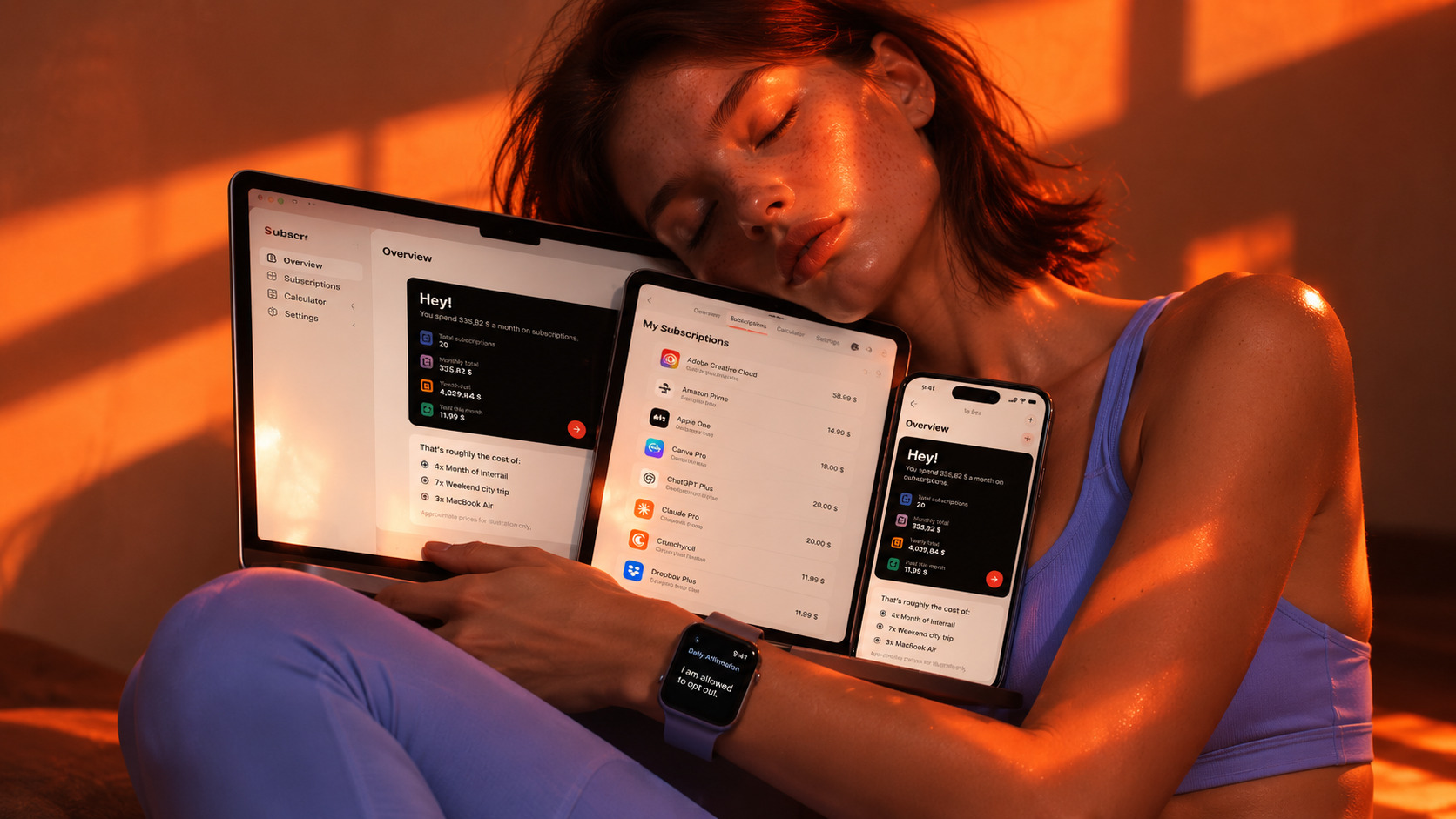
Free on the App Store.
Get the appNo account.
No Subscrr server.
Subscrr stores your data in two places, both of which belong to you: on your device, and in your private iCloud container, if sync is enabled. The developer cannot read it. There is no database of users with lists of what they pay for, because there is no account system at all.
What does leave the device
Receipt images you choose to scan, sent for recognition only and not stored, and anonymous product analytics and advertising measurement.

Switch it off,
keep your copy.
iCloud Drive must be on for your Apple Account, and Subscrr must be allowed to use iCloud. The first sync on a new device can take a minute and needs both devices online. If you switch it off, the app keeps working with the copy on your device and nothing is deleted, but that copy becomes your only copy.