Never get
surprise-charged
again.
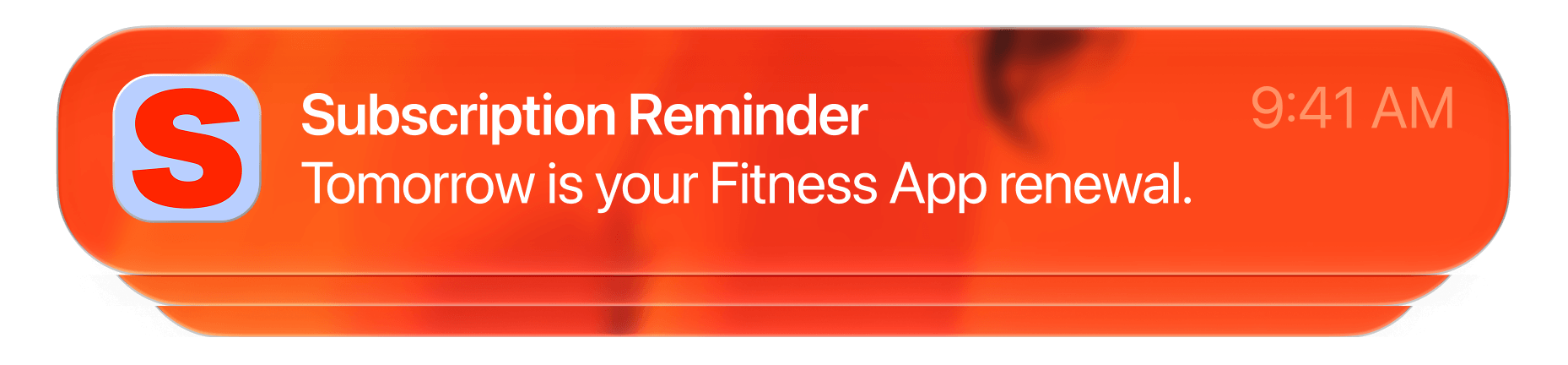
The day before the money leaves, a gentle tap on the shoulder. So you renew because you meant to, not because you forgot it was there.

The day before
the money leaves.
A subscription tracker that does not warn you is a list and nothing more. Reminders are the part that saves money, because cancelling costs you nothing before the charge and a full period after it.

Free on the App Store.
Get the appYou choose
how far ahead.
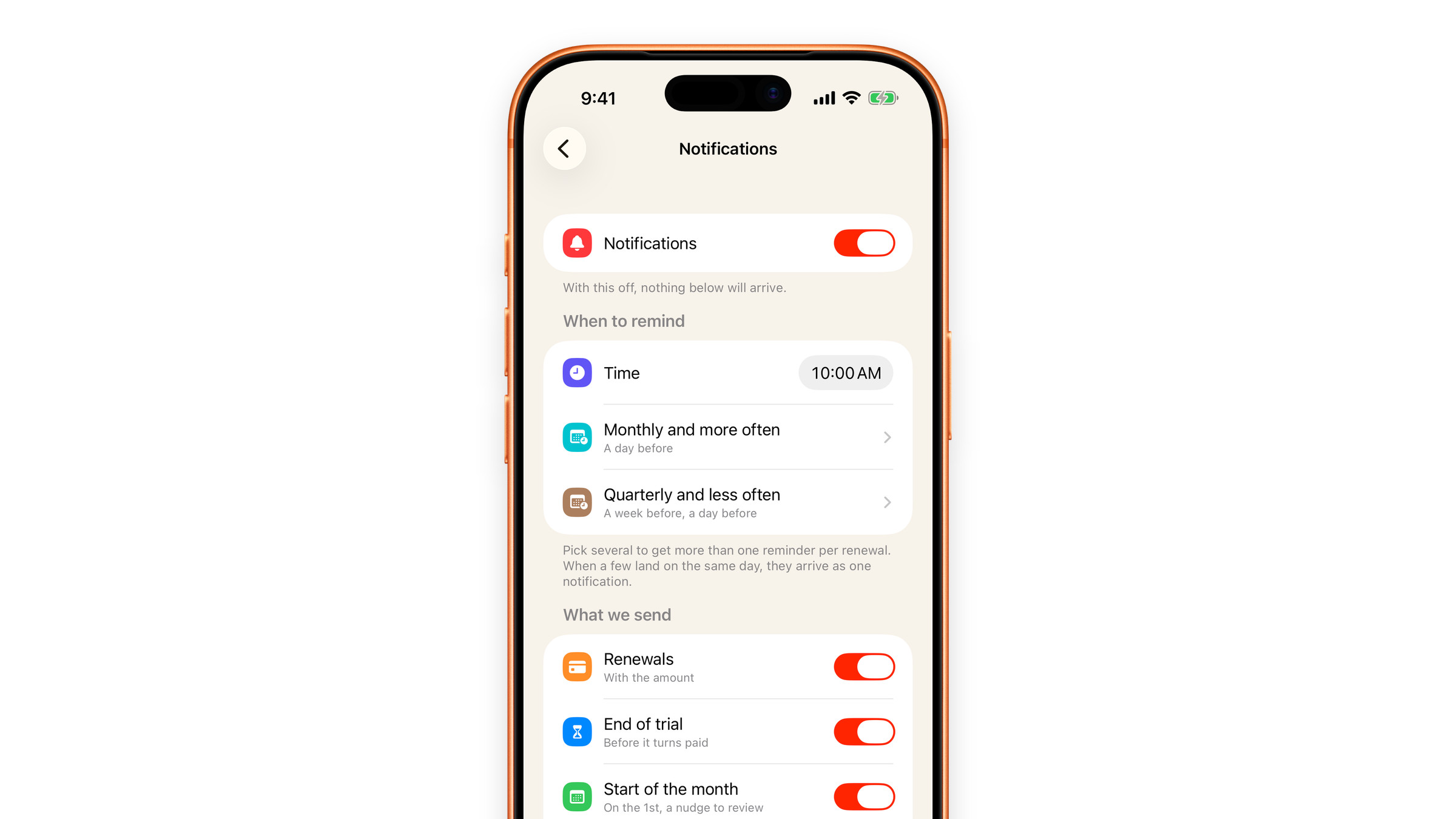
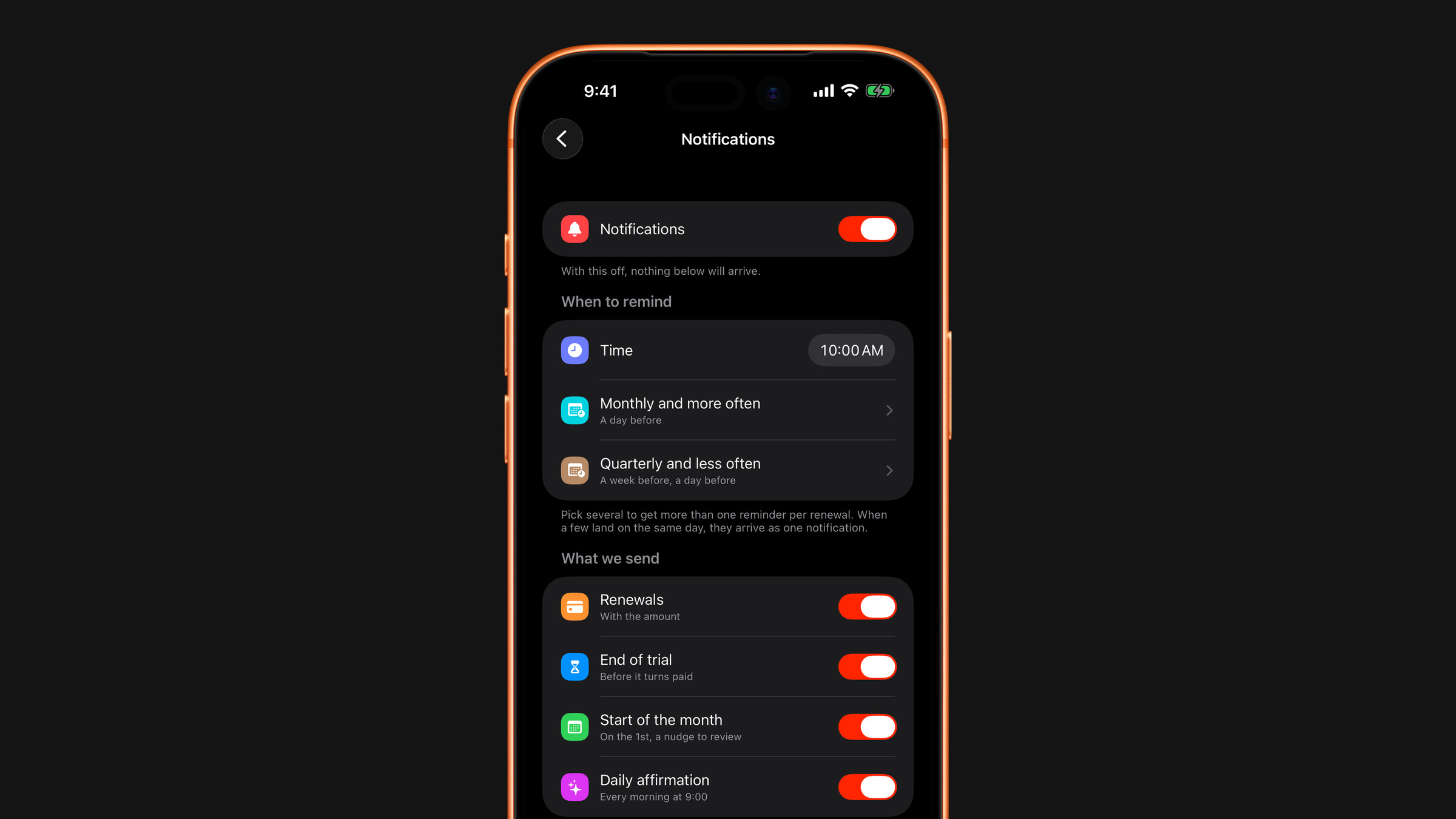
Choose the time reminders arrive and how far ahead they fire, separately for monthly-and-shorter plans and for quarterly-and-longer ones. Yearly charges warn you a week ahead and again the day before by default, because cancelling an annual plan takes more than an evening.
Several lead times
Tick as many lead times as you want, from the day itself to a month ahead. Every tick is a separate reminder for every renewal in that group.
Reminder settingsOne notification, not a pile
When a few reminders land on the same day, they arrive as one notification with the count and, if the currencies match, the total.
Mute a single subscription
Everything else keeps notifying you as before. Right for things you have deliberately decided to keep.