Ask what to cancel.
And what it saves.
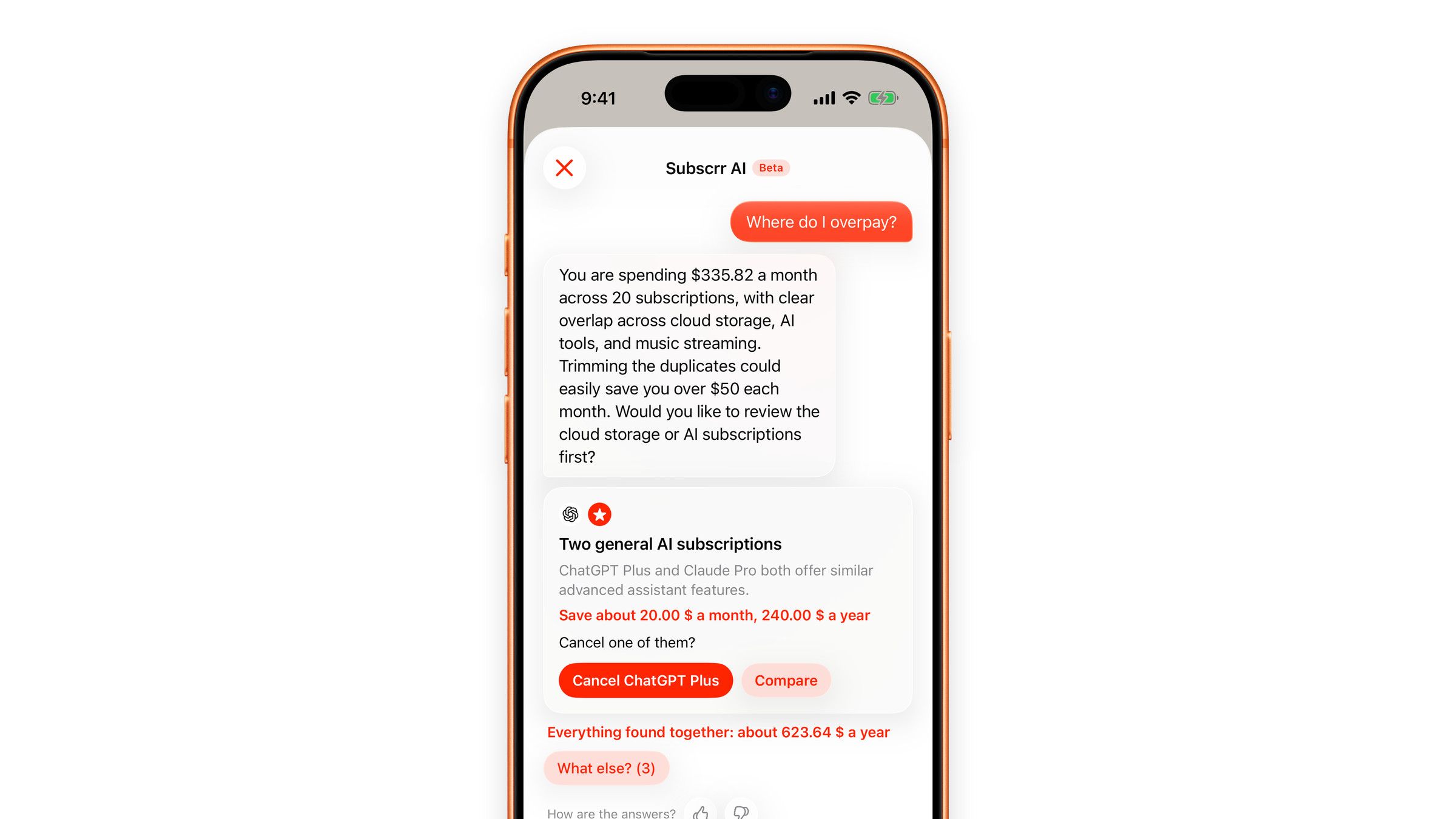
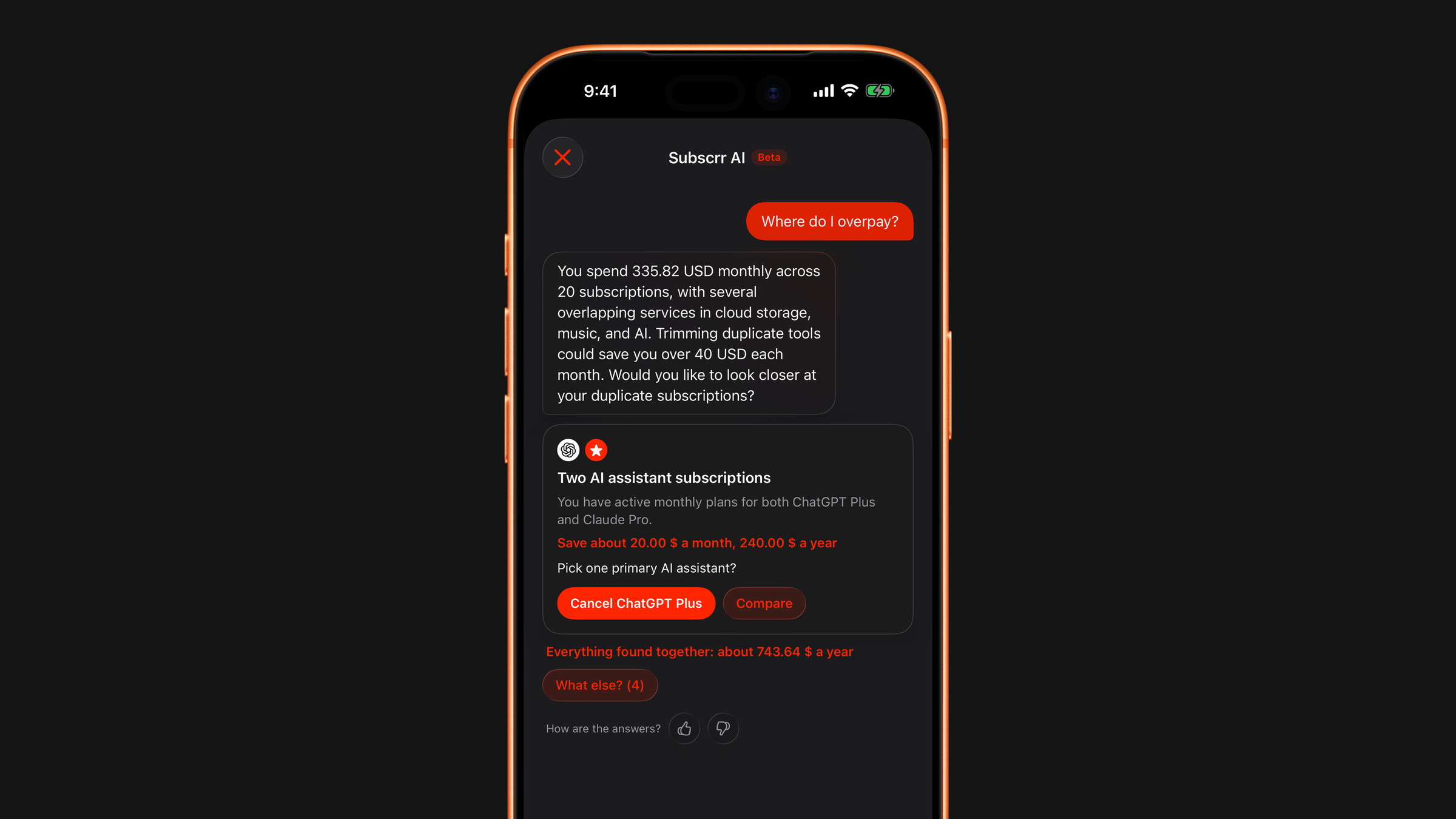
Subscrr AI finds where you’re wasting money: duplicate subscriptions, overpriced plans, price hikes, and upcoming charges. Ask anything, get actionable findings, and see exactly how much you could save.

It looks at everything
you pay for.
Open it from the Subscriptions tab and ask in your own words, or tap one of the quick questions. It works from your own subscriptions: duplicates, overpriced plans, price hikes and upcoming charges.
Free on the App Store.
Get the appAsk anything.
Four quick questions are one tap away:
- Where do I overpay?
- What should I cancel?
- Any duplicates?
- What is due soon?
Every finding
says what to do.
Each finding says what was found, why it matters, what to do and how confident the assistant is, and how much it saves a month and a year. The amounts come from your own subscriptions, not from guesses.
You stay in charge
Findings come with buttons such as Cancel ChatGPT Plus or Compare. The assistant never cancels or changes anything by itself.
Add by typing
Write something like “add Netflix 45 AED a month” and it shows a card with the name, price, period and date. Nothing is saved until you tap Add.

Five messages
to try it.
Without Premium you get five messages, one allowance for all three chats: Subscrr AI, Plan and Spending. When they run out, Premium lifts the limit.