Your next payment,
right on the Home Screen.
What is due next, on the Home and Lock Screen. You find out without opening the app, which is the highest praise an app can get. Comes with Premium.

Without opening
the app.
Widgets are the point at which a tracker becomes useful, because they remove the step where you have to remember to open anything.
Free on the App Store.
Get the appFour widgets.
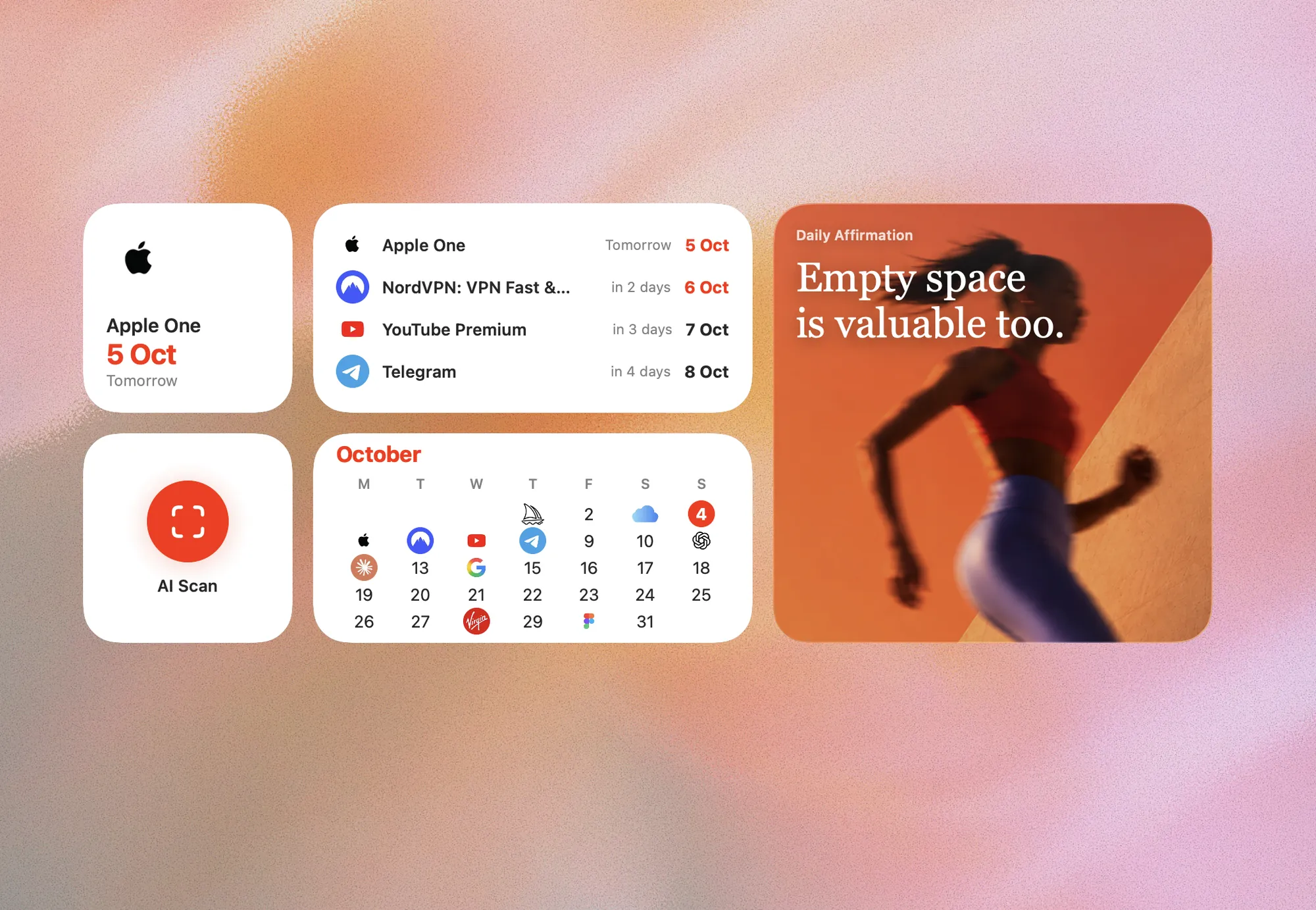
 Next payment
What is coming up and what your subscriptions cost.
 Payment calendar
The current month as a grid of days. A day with a charge carries the logo of the service instead of the number, so a heavy week is visible before it arrives.
 AI Scan
A single button that opens the camera already inside a receipt scan. It holds no numbers, so it is the one widget that works without Premium.
 Daily affirmation
The day’s calm thought about money, refreshed at midnight.
Home Screen
and Lock Screen.
Home Screen
Touch and hold an empty area until the icons jiggle, tap the plus button, search for Subscrr, pick a widget and a size.
Lock Screen
Touch and hold the lock screen, tap Customise, tap the widget area under the clock or the strip above it, choose Subscrr and pick the widget.
Add widgets to your home and lock screen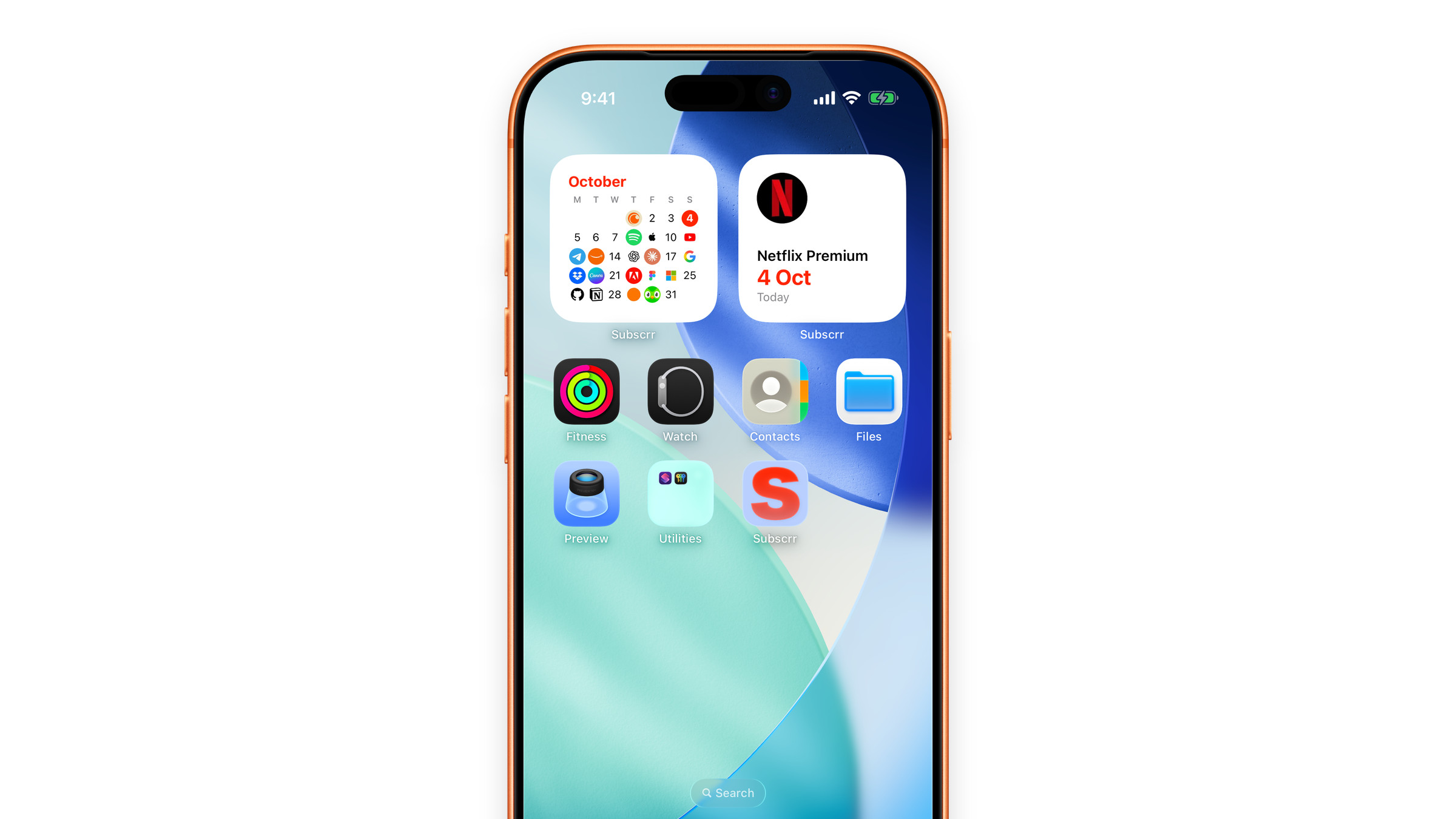
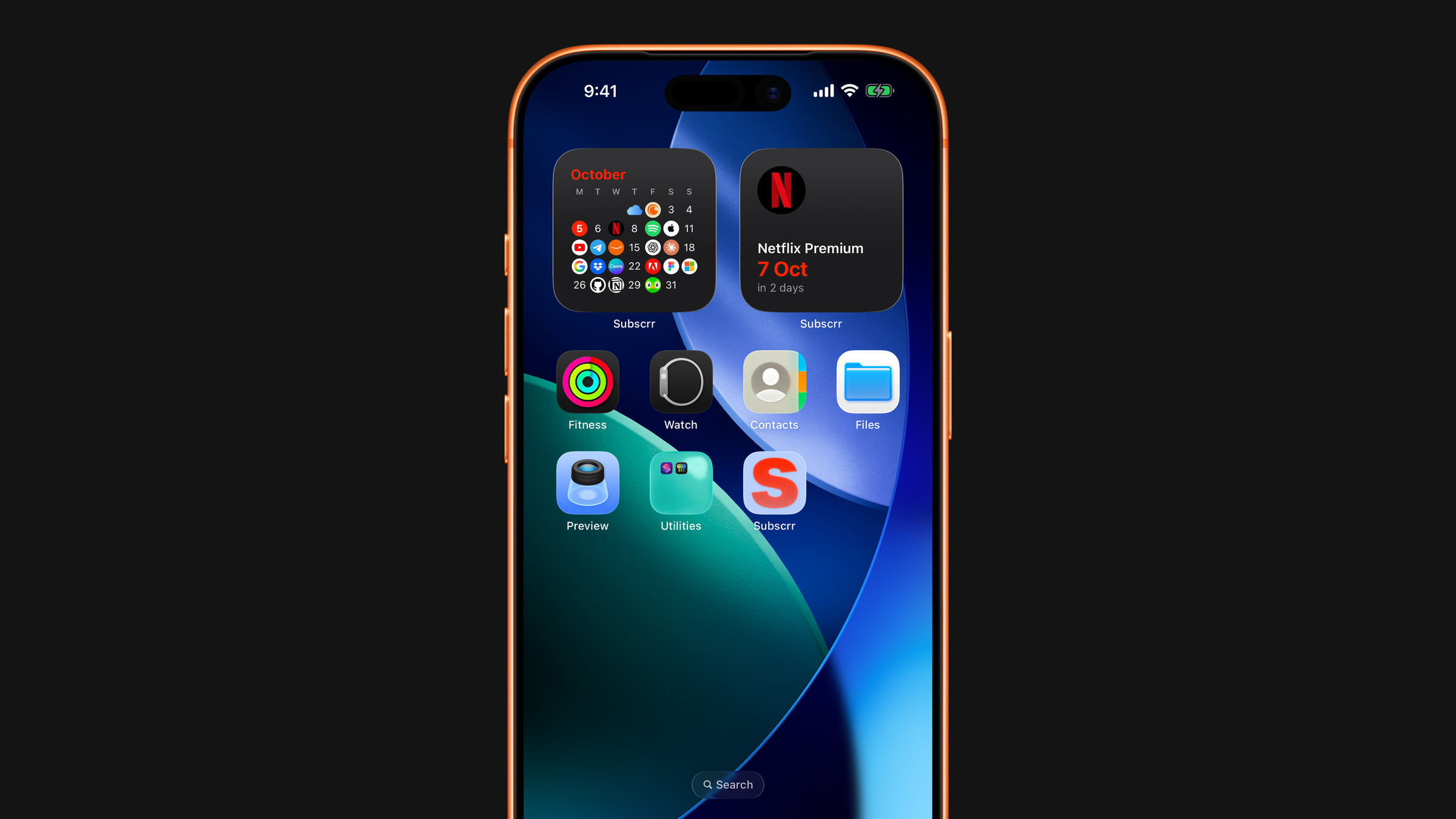
Numbers are Premium.
The camera is free.
Widgets that show your numbers are part of Premium. Without it they still appear on your screen, but show a lock instead of the numbers. The AI Scan widget is the exception: it is a button, not a number, and it works for everyone.