
Snap a receipt.
Let AI do the math.
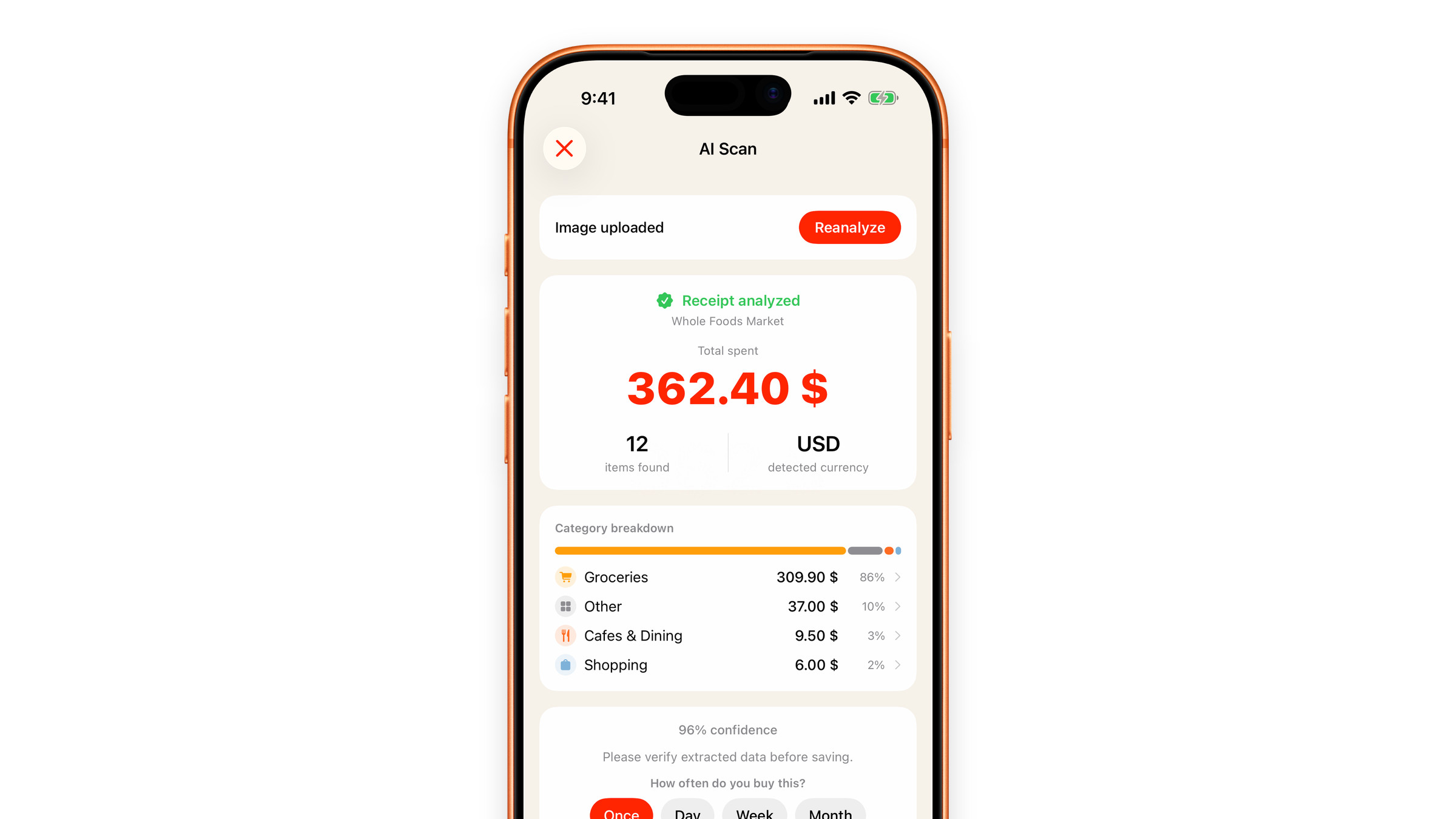
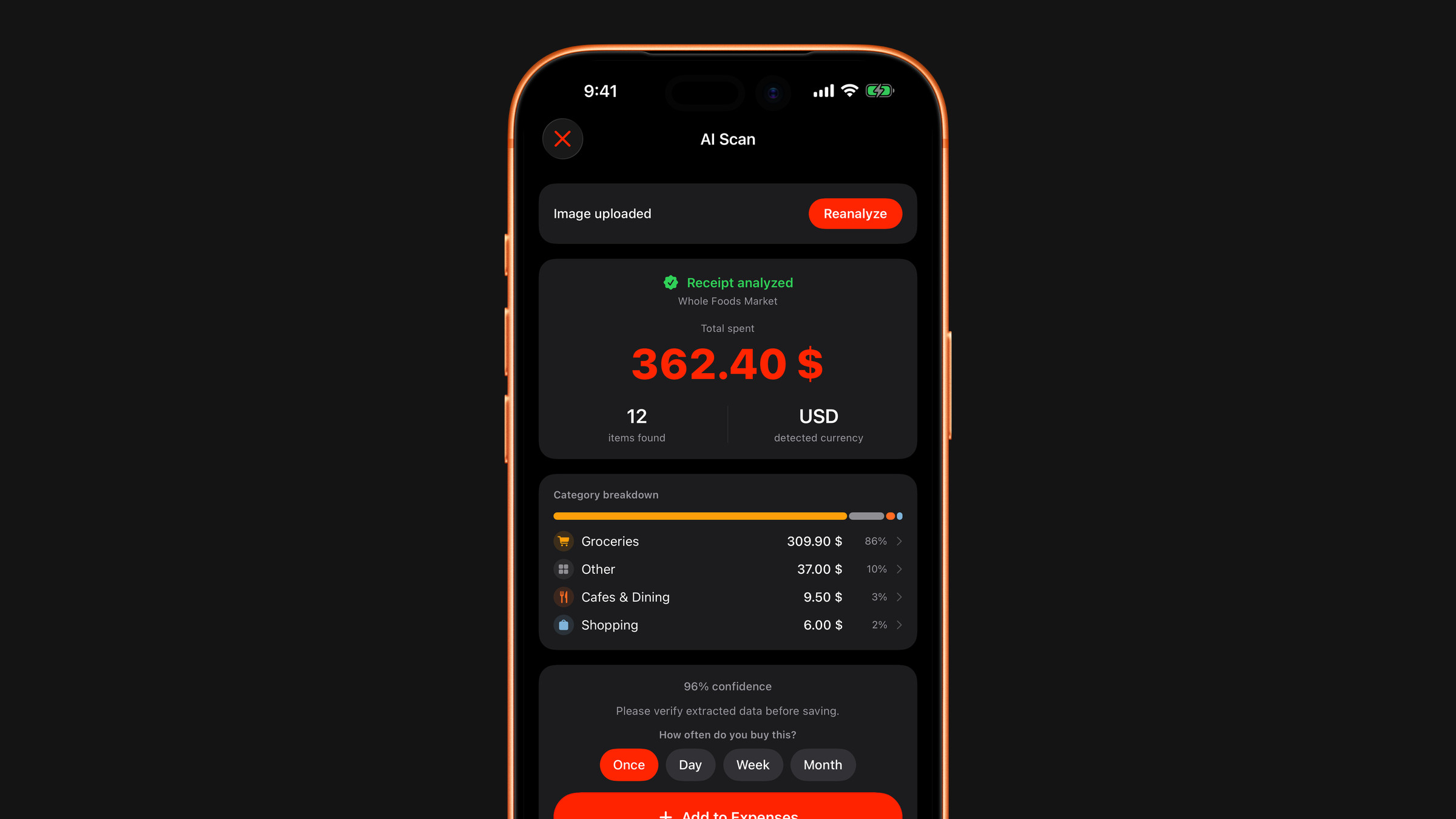
Typing receipts is a chore. Snapping one is a tap. The AI pulls out the numbers, files them into categories, and throws the photo away.

Receipts and statements,
scanned into categories.
Everyday spending counts too. The total, the items and the suggested categories come back to your phone.
Free on the App Store.
Get the appCategories are
a suggestion.
On a flat, readable receipt in decent light, recognition of the total and the line items is reliable. On a crumpled one it is less so.
Change a category in a tap
Items are sorted automatically, the way a bank categorises transactions. Tap a category to change it, or swipe an item to exclude it.
Recategorise a receipt itemIf a scan fails
A crumpled or angled receipt is the usual cause. A few tips get it read.
Receipt scan failed or misread
A scan is a record,
not a one-time answer.
Every scan is grouped by day, and each one keeps:
- The screenshot of the original receipt
- The total
- The items it contained, with their categories

The photo is thrown away.
Not stored
The image is not stored on our servers. It is processed and discarded.
Not logged
The proxy does not log the contents of what you scanned.
Never used for ads
Receipts are never used for advertising, profiling or resale.